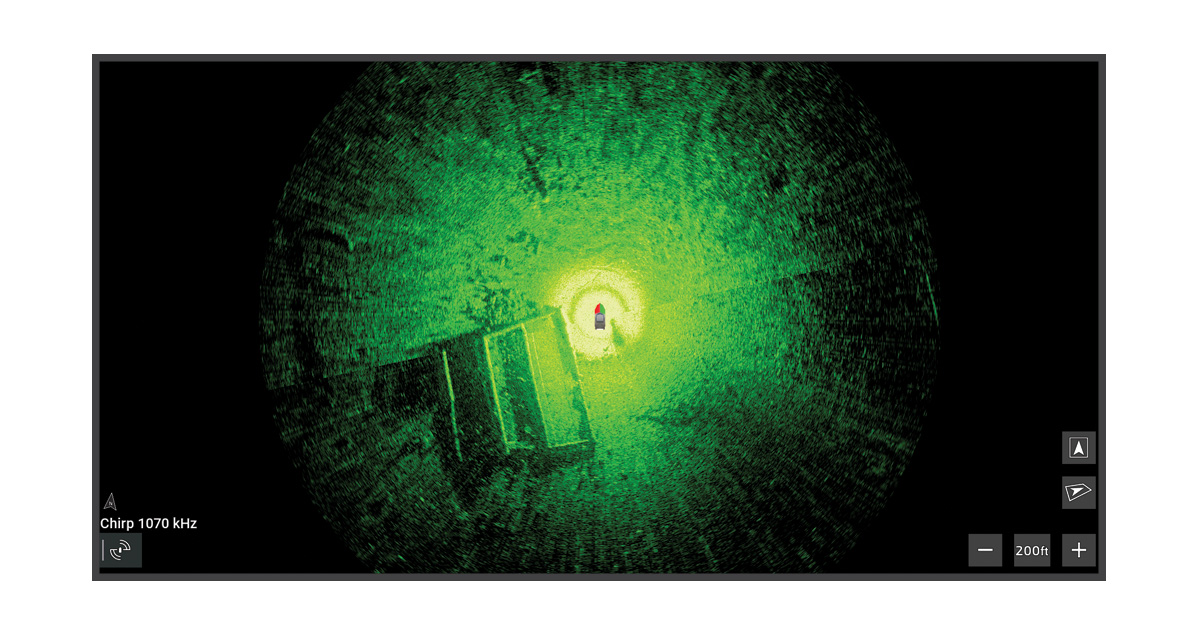
OneVü Scanning Sonar
This view captures a 360-degree image of the area under your boat with a single scan, and you can move your boat within the scanned area without having to scan again. You can configure OneVü™ scanning sonar to scan continuously or automatically when you enter a new area.
To see this sonar view, you must meet these requirements:
-
You must install a Spy™ pole and configure it for your vessel (Spy Pole Control).
-
You must install a compatible 360-degree sonar transducer, such as the Garmin® GT360UHD transducer, on the end of the Spy™ pole.
-
You must pair the Spy™ pole with the chartplotter.
-
You must assign the 360-degree transducer to the Spy™ pole (Configuring a Spy Pole).