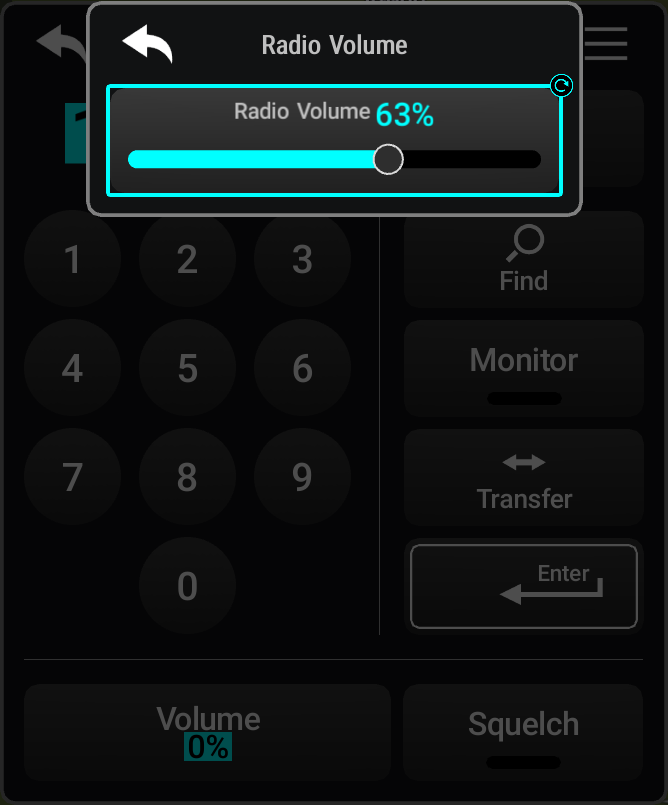
Some adjustments are made using horizontal or vertical sliders. To use sliders, simply touch
within the slider box and slide the finger in the desired slider bar direction, then release
the finger. The finger may move outside of the slider box during adjustment. Slider movement
stops when either the finger is released or the slider has reached its maximum travel. When a
horizontal or vertical slider window is present on the display, the Inner DCK is a redundant source of
control for the movement of the slider. 26: Slider Adjustments