Apps
You can customize your watch using the apps menu, which lets you quickly access watch features and options. Some apps require an LTE Subscription. Many apps can also be found in the glances (Glances) or controls (Controls).
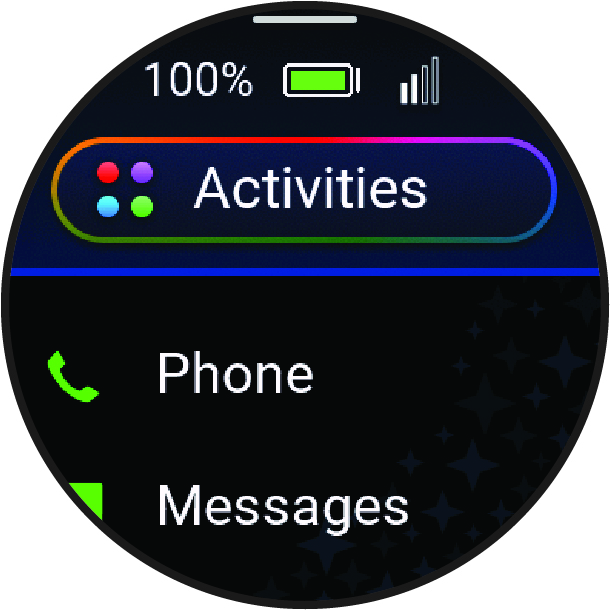
From the watch face, press  to view the apps list.
|
Name |
More Information |
|---|---|
|
Calculator |
Select to use the calculator, including the tip calculator. |
|
Check In |
Select to check in with your current location. |
|
Clocks |
Select to set an alarm, timer, stopwatch, alternate time zone, or countdown event (Clocks). |
|
Countdowns |
Displays upcoming countdown events. |
|
Games |
Select to open a list of games on your watch. |
|
History |
Select to view your recorded activity history, records, and totals (Viewing History). |
|
Messages |
Select to send messages or check for new messages. |
|
Moon Phase |
Select to view the moonrise and moonset times, along with the moon phase, based on your GPS position. |
|
Music |
Select to control audio playback using your watch (Listening to Music). |
|
Phone |
Select to open the phone controls, such as contacts and the dial pad (Calling from the Watch). |
|
Settings |
Select to open the settings menu. |
|
Steps |
Select to view your daily step count, step goal, and data for previous days. |
|
Sunrise & Sunset |
Select to view sunrise, sunset, and twilight times. |
|
Tips |
Select to view interactive watch tips, learn about new features on your watch, and scan a direct link to support.garmin.com to access the owner's manual for your watch. |
|
Voice Command |
Select to speak a command for your watch to perform (Using Voice Commands). |
|
Watch Face |
Select to customize your watch face. |
|
Weather |
Select to view the current weather forecast and conditions. |