Device Overview
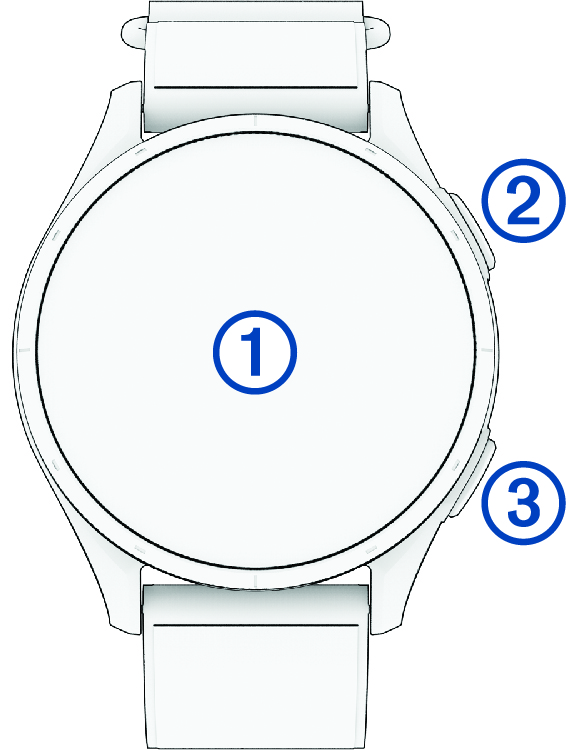
- Touchscreen
-
Tap to choose an option in a menu.
Swipe up or down to scroll through the glance loop and menus (Glances).
- Top button

-
Press to start a round of golf.
Press to start an activity or app.
Hold to turn the watch on.
Hold to view the controls menu and watch settings (Controls).
- Bottom button
-
Press to return to the previous screen.
During an activity, press to record a lap, rest, or advance to the next workout step.