Viewing the Glance Loop
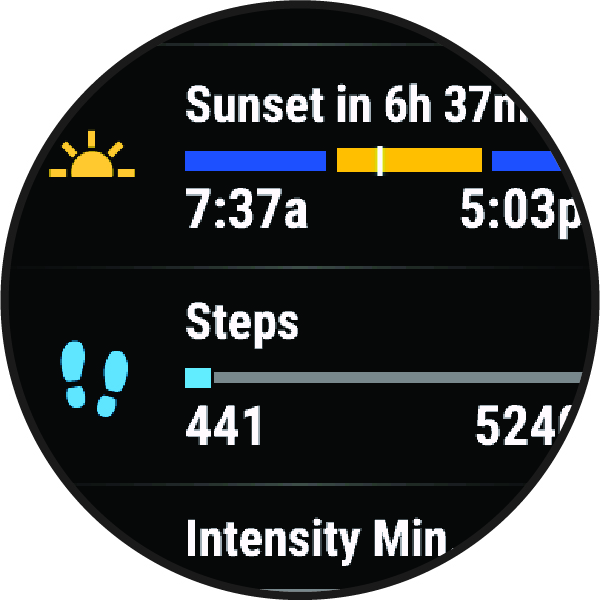
Glances provide quick access to health data, activity information, built-in sensors, and more. When you pair your watch, you can view data from your phone, such as notifications, weather, and calendar events.
-
From the watch face, swipe up or down.
The watch scrolls through the glance loop and displays summary data for each glance.
-
Select an option:
-
Swipe up to view details about a glance.
-
Press
 to view additional options and functions for a glance.
-