Replacing the MOB Tag Battery
See the Important Safety and Product Information guide in the product box for product warnings and other important information.
The MOB tag uses a CR2032 3V coin-cell battery.
You must install a new CR2032 3V coin-cell battery
as a replacement. Using any other type of battery is not supported.
You should purchase a replacement battery only from a high-quality manufacturer and a reputable vendor. Using a low-quality battery could result in poor product performance and reduced battery life, especially at low temperatures. Do not use rechargeable batteries. Rechargeable batteries may have a higher voltage specification and can cause permanent damage to the device.
-
Using a #1 Phillips screwdriver, loosen the four captive screws to remove the back cover.
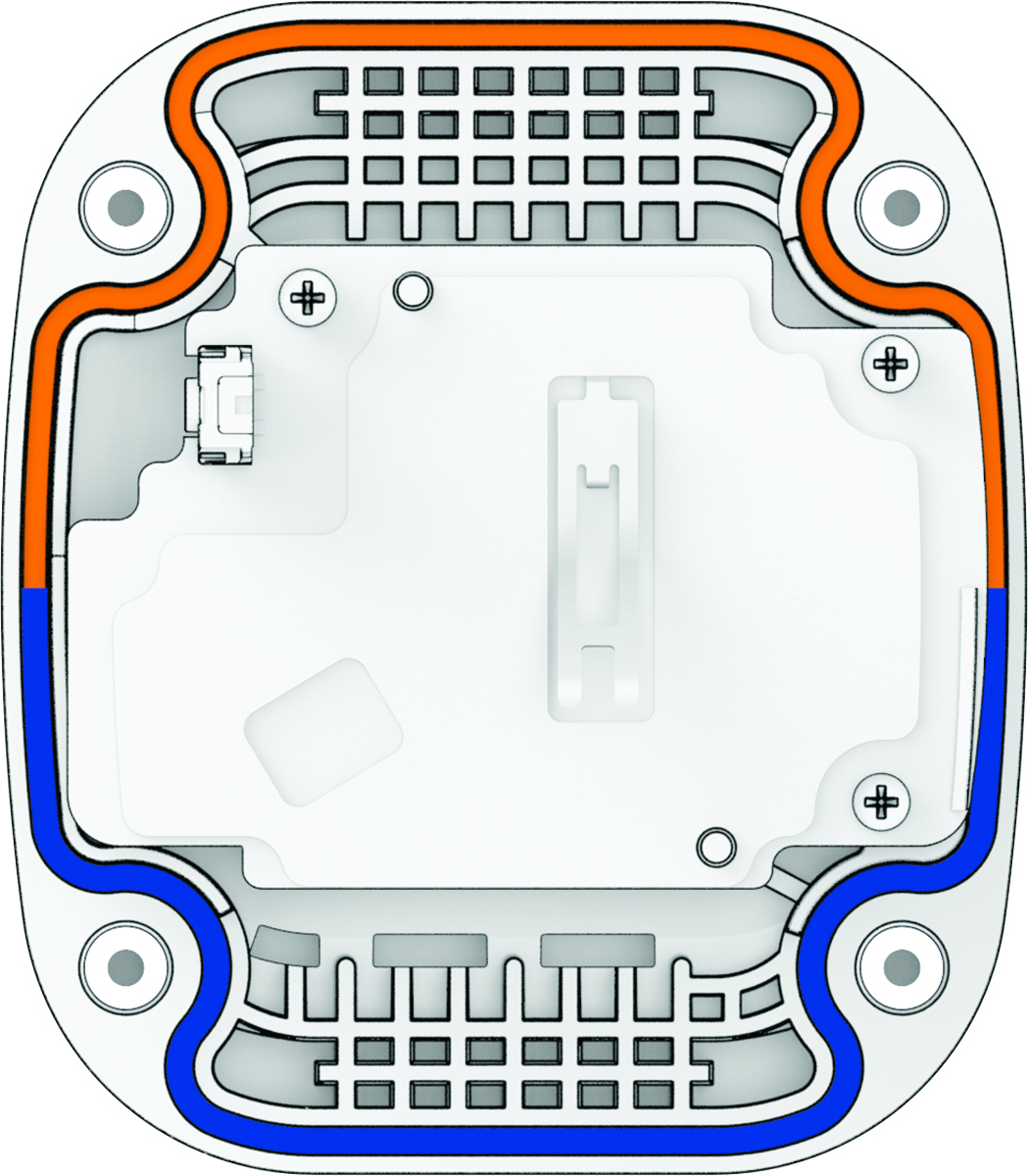
After you replace the battery, you may need to pair the MOB tag again (Pairing an MOB Tag with the Force Current Trolling Motor).