For single pilot aircraft the 'Split COM' function will remove aural alerts
from the passenger and co-pilot headsets.
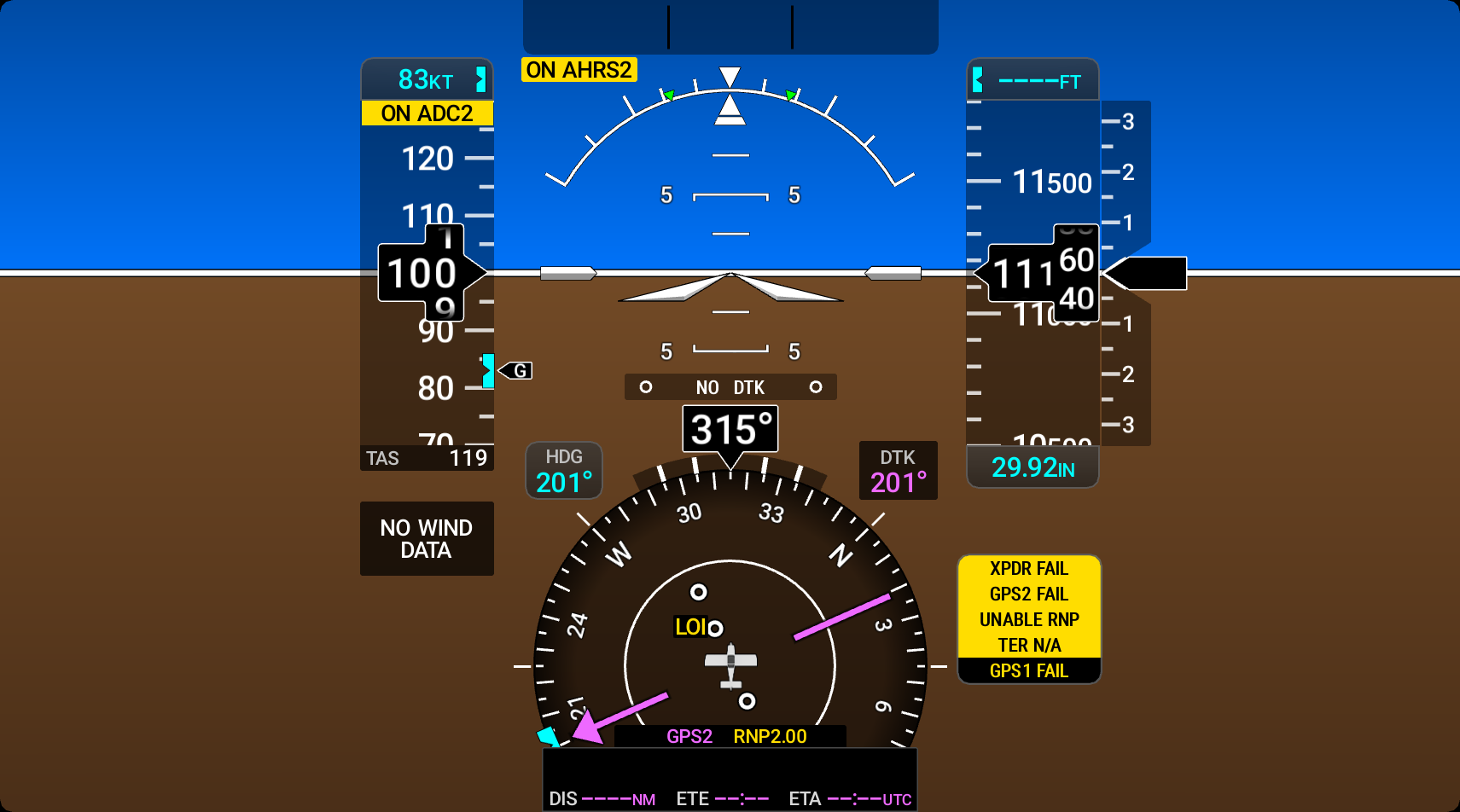
The System Alert Window display shows warning (red), caution (amber), and advisory (white)
messages to alert the crew to system malfunctions. Warning and caution messages display
a flashing inverse video until acknowledged. Warning messages appear at the top of the
display area, followed by the caution messages, followed by advisories. Warning messages
are accompanied by a triple chime and caution messages are accompanied by a single chime
aural alert. Some messages include voice alerts. A maximum of seven messages can be
displayed in the System Alert Window. When the number of active messages exceeds seven,
the seventh message is replaced with "WARN", "CAUT", or "ADVSRY" with the number of
messages accompanied by a down arrow is displayed next to it. To view the full list of
System Alert Messages touch the System Alert Window Indicator Button on the PFW to open
the 'Messages' Window. 309: System Aleert Window on PFW
System Alert Window messages are grouped by criticality (warning, caution, advisory) and sorted
by order of appearance (most recent messages on top). The color of the message is based
on its urgency and on required action:
Caution (amber) —
Immediate crew awareness and possible future corrective action required;
Master Caution triggered.
Advisory (white) — Crew
awareness required and subsequent action may be required.
Any System Alert Window messages that come up when the system is first powered on are
considered already acknowledged. All messages are displayed until the issue has been
corrected.
A System Alert Window message does not appear more than once at a given time (unless the System
Alert Window is being tested). If signals are received that justify multiple priorities
for a certain message, the message is displayed for the higher priority condition. When
graduating to a higher priority, requires new acknowledgment. When degrading to a lower
priority condition, the message moves to the top of the appropriate grouping, but does
not require new acknowledgment.