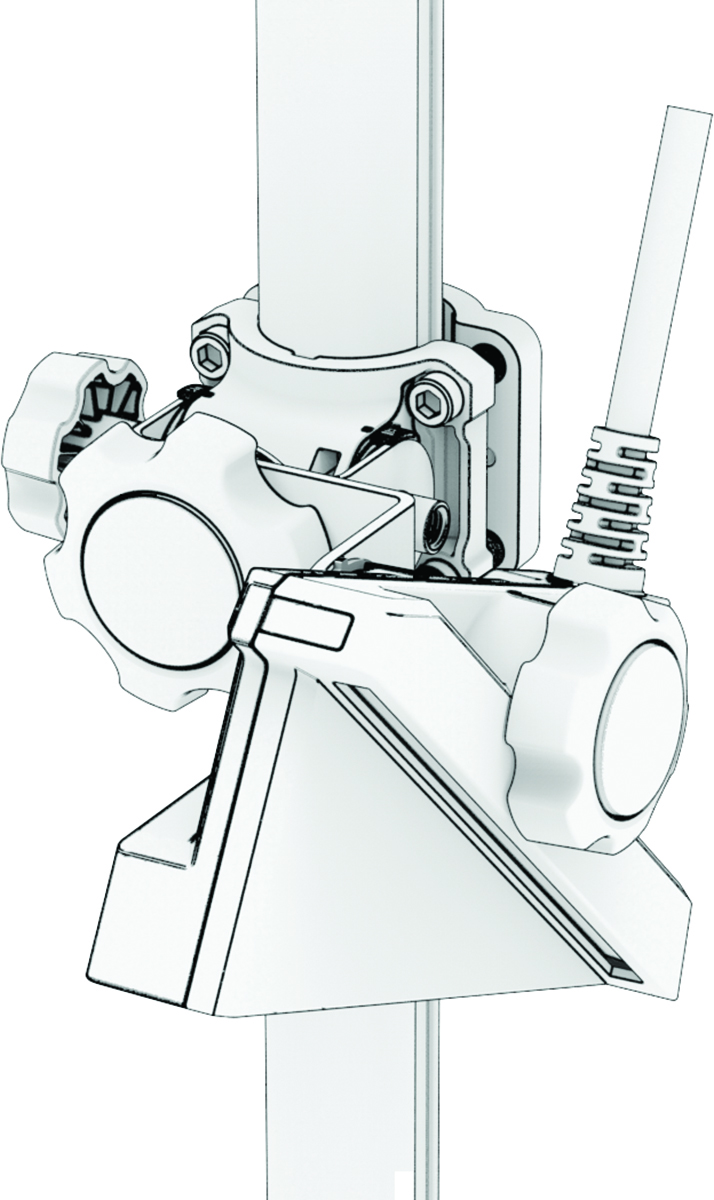
Before you connect a
LiveScope™ transducer to the perspective mount, you should route the transducer cables up the
shaft that houses the perspective mount. See the installation instructions for your
Spy™ pole or trolling motor at
support.garmin.com for more information.
This kit includes hardware that allows you to easily attach a LiveScope transducer to the perspective
mount. To install a LiveScopeLVS32 transducer, see the next
section.
-
Select the appropriate adapter disc and
knob for your LiveScope transducer model.
The bag for each disc is labeled with the LiveScope transducer model number.
NOTE:
If you are using the LiveScope transducer perspective mount on a Spy™ pole shaft that is installed on a trolling motor, you cannot mount a LiveScope LVS62 transducer using this mount. In this situation, you should mount the
LiveScope LVS62 transducer to the bottom of the Spy™ pole shaft with the adjustable perspective bottom mount for LiveScope transducers.
-
Remove the plastic coating on the back
of the adapter disc, and attach it to the end flange on the perspective mount.
-
Feed the adapter knob through the
transducer.
-
Hand-tighten the adapter knob into the
perspective mount until the LiveScope transducer is tight against the
adapter disc.
To change the angle of the transducer, loosen the knob, adjust
the angle, and then tighten the knob again to secure it.