Connecting a LiveScope LVS32 Transducer to the Perspective Mount
Before you connect a LiveScope™ transducer to the perspective mount, you should route the transducer cables up the
shaft that houses the perspective mount. See the installation instructions for your Spy™ pole or trolling motor at support.garmin.com for more information.
This kit includes hardware that allows you to attach an LVS32 LiveScope transducer to the perspective mount.
-
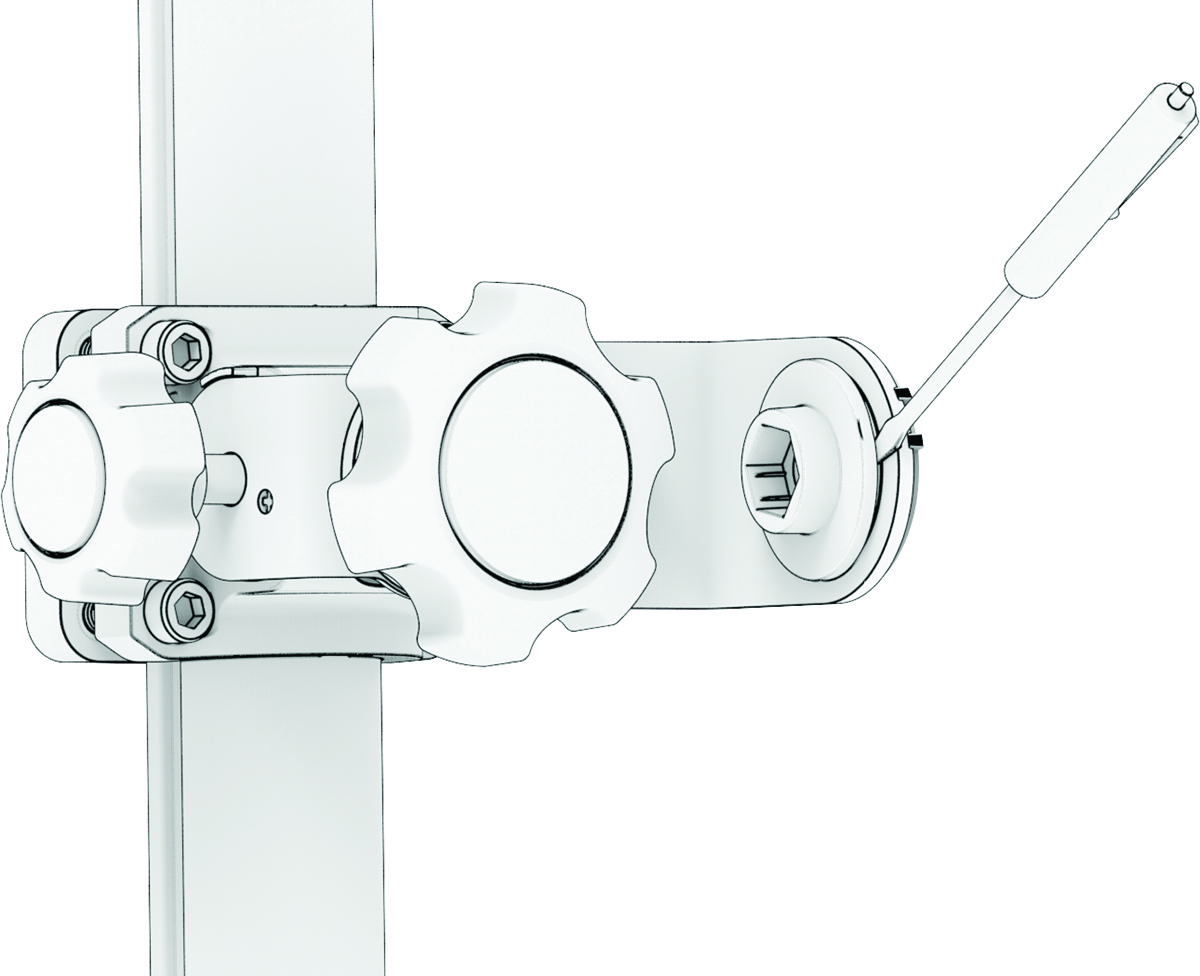
Using a flat pry tool, peel off the lock
nut and housing from the end of the mounting bracket on the perspective mount.
NOTE: There is a small notch in the lock nut housing for you to insert your pry tool.