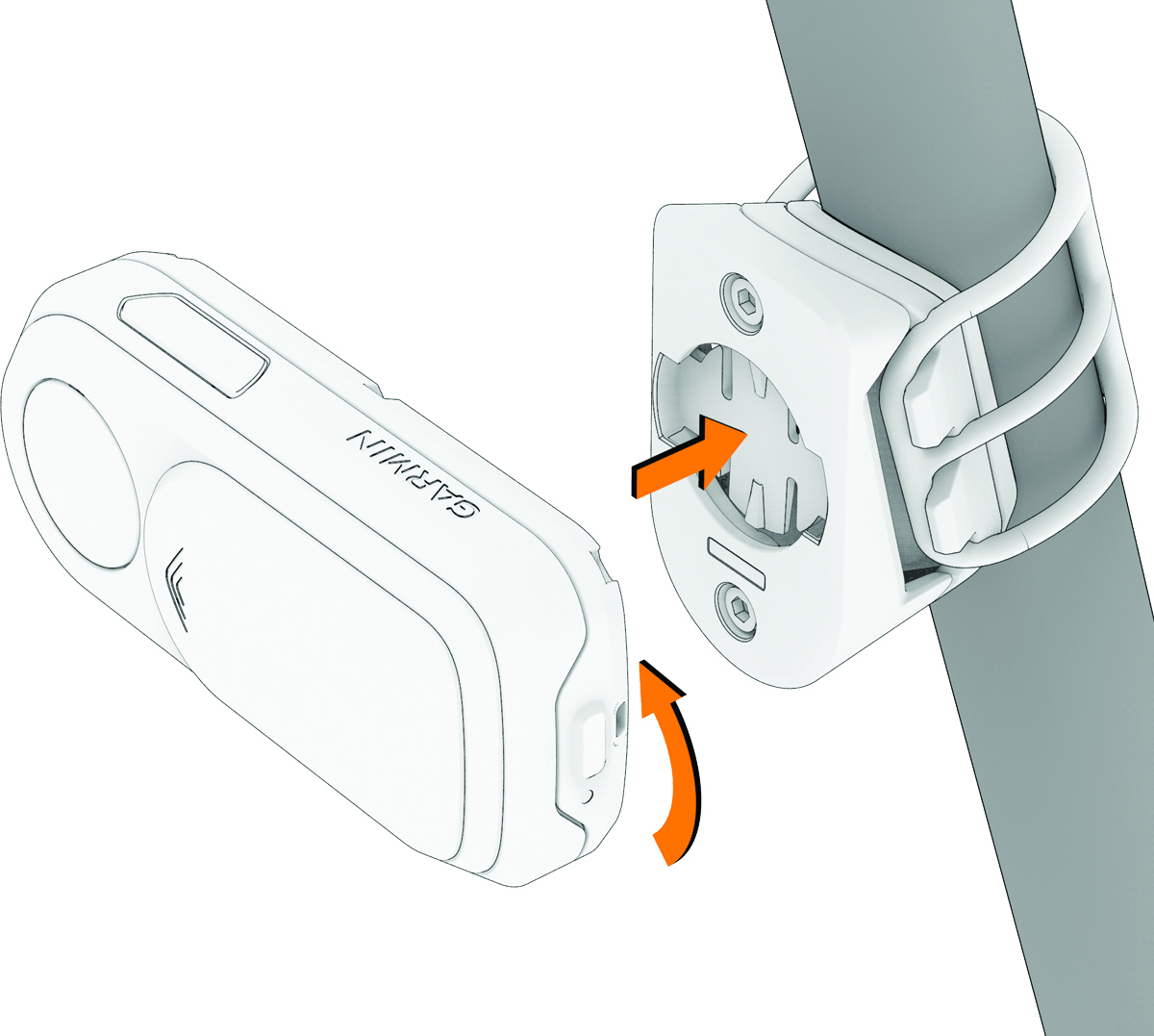
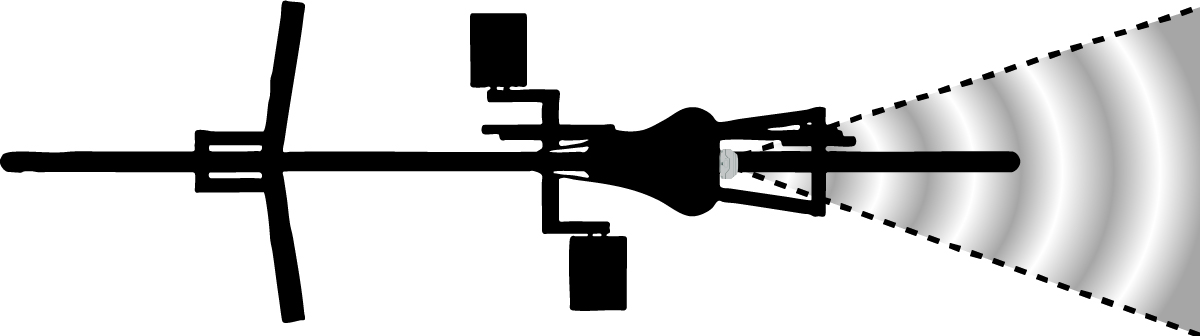
Installing the Device on the Mount NOTE: You can install the device on the mount vertically in either orientation. The device automatically detects the mounting orientation. Align the tabs on the back of the device with the seat post mount notches. Press down slightly and turn the device clockwise until it locks into place. Make sure the device faces straight back, so that the radar beam covers the maximum range behind your bike. NOTE: If the device is mounted at an angle to the right or left, the radar does not track approaching vehicles correctly. Parent Topic: Installing the DeviceHomeInstalling the DeviceInstalling the Device on the Mount