Charging the Device
To prevent corrosion, thoroughly dry the USB port, the weather cap, and the surrounding area before charging or connecting to a computer.
The device can operate normally while charging. If you use the device while charging, Garmin® recommends using a cable with a right-angle connector (not included) to avoid strain on the device charging port.
-
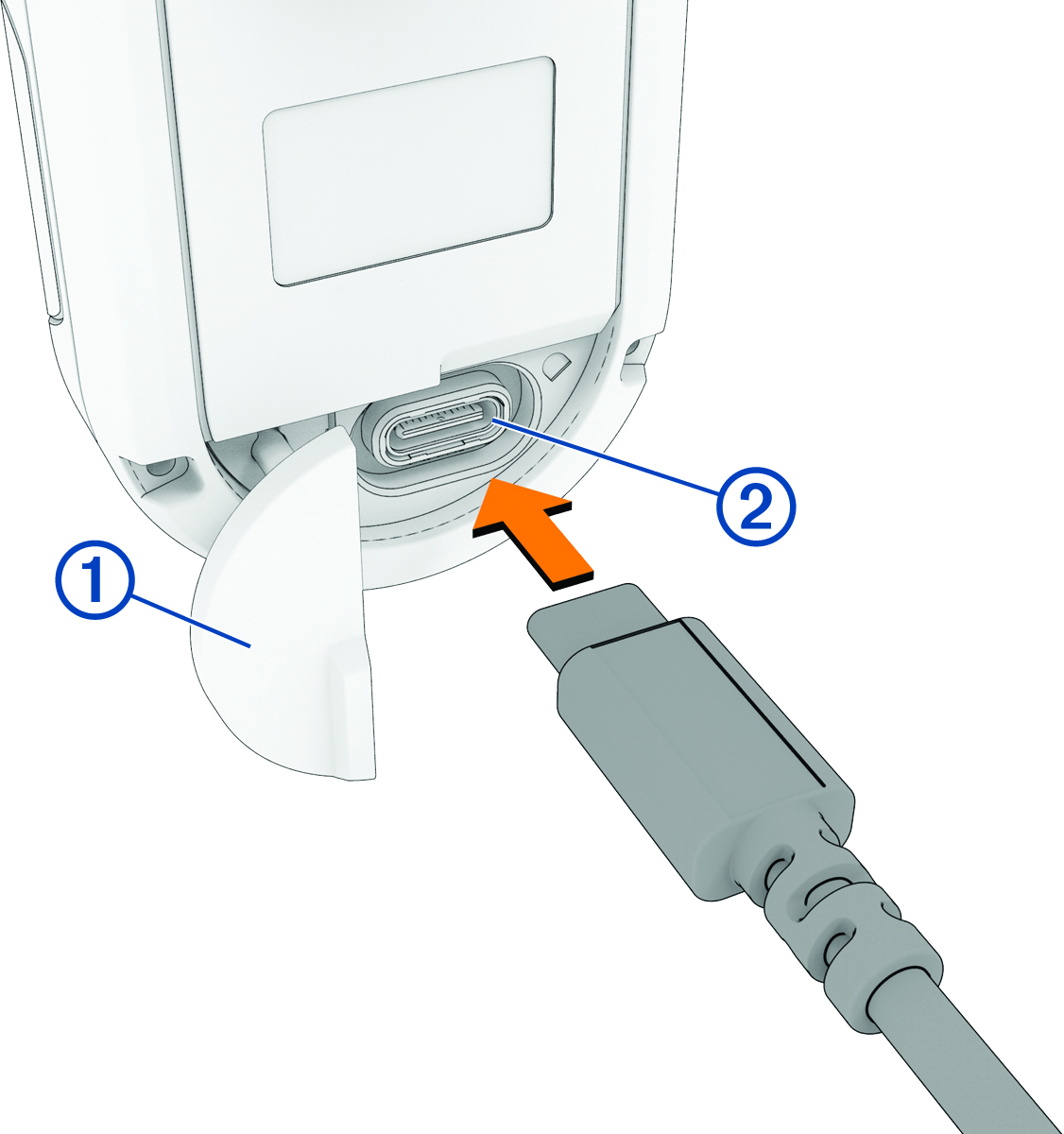
Pull up the weather cap , and plug the USB
cable into the charging port on the device.
After charging for 15 minutes, the device has at least 2 hours of battery life, depending on the light mode. It takes up to 2.5 hours to complete a full charge.
The status LED flashes  to indicate the charging status.