Session Summary
|
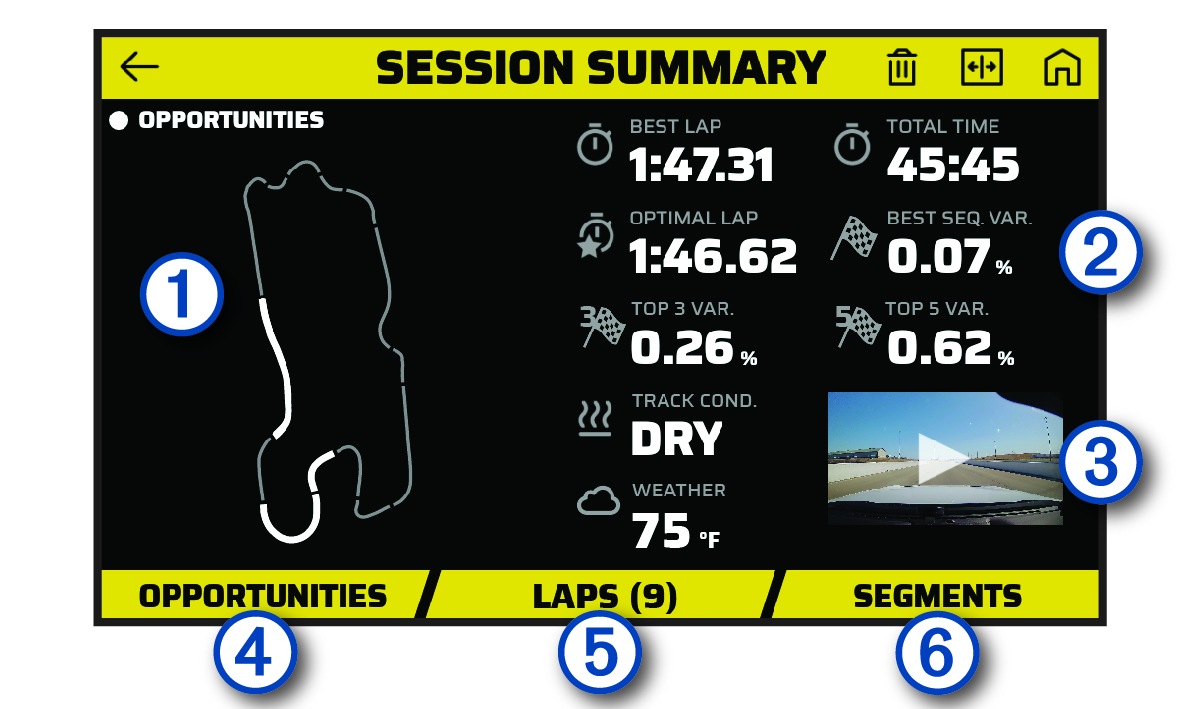
| Displays a map of the track. You can select a highlighted segment to view opportunities for that segment. |
|---|---|
|
| Displays a summary of track conditions and performance metrics for the selected session. |
|
| Select to view a video of the entire session. |
|
| Select to view all opportunities for improvement for the selected session (Opportunities). |
|
| Select to view detailed information about each lap (Reviewing Laps). |
|
| Select to view detailed information about each track segment. |


