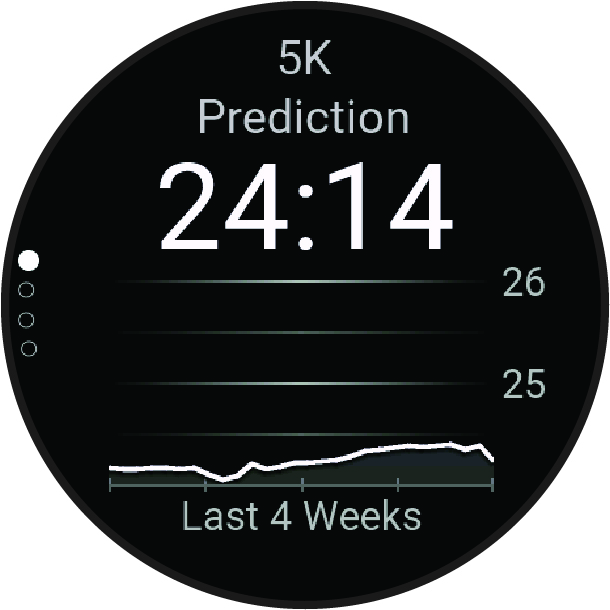
Viewing Your Predicted Race Times
For the most accurate estimate, complete the user profile setup (Setting Up Your User Profile), and set your maximum heart rate (Setting Your Heart Rate Zones).
Your watch uses the VO2 max. estimate and your training history to provide a target race time (About VO2 Max. Estimates). The watch analyzes several weeks of your training data to refine the race time estimates.
-
From the watch face, press
 to view the running performance glance.
-
Press
 .
.
-
Press
to view more details.