Getting Started
When using the device for the first time, you must complete these tasks to set up the device.
-
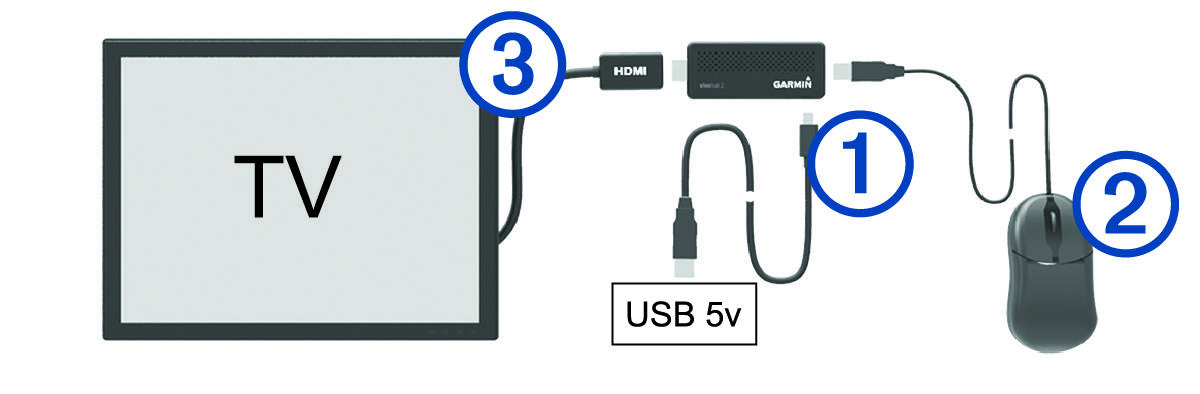
Connect the device to a 5 Vdc USB power source (not included) using the micro-USB port
 and included USB cable (Connecting the Device to External Power).
-
Connect a USB mouse
 (not included).
-
Connect the device to an
HDMI® port on a compatible TV or monitor.
If necessary, use the included HDMI extension cable
 to make the connection.
-
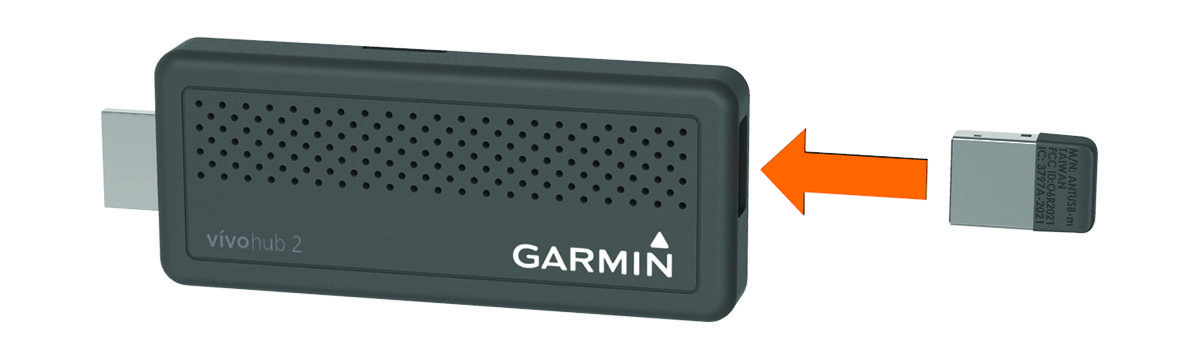
Remove the mouse from the USB port, and install the included
ANT® wireless adapter.