Garmin Quickdraw Contours Mapping
The Garmin Quickdraw™ Contours mapping feature allows users to generate maps. Garmin® makes no representations about the accuracy, reliability, completeness or timeliness of the maps generated by third parties. Any use or reliance on the maps generated by third parties is at your own risk.
The Garmin Quickdraw Contours mapping feature allows you to instantly create maps with contours and depth labels for any body of water.
When Garmin Quickdraw Contours records data, a colored circle surrounds the vessel icon. This circle represents the approximate area of the map that is scanned by each pass.
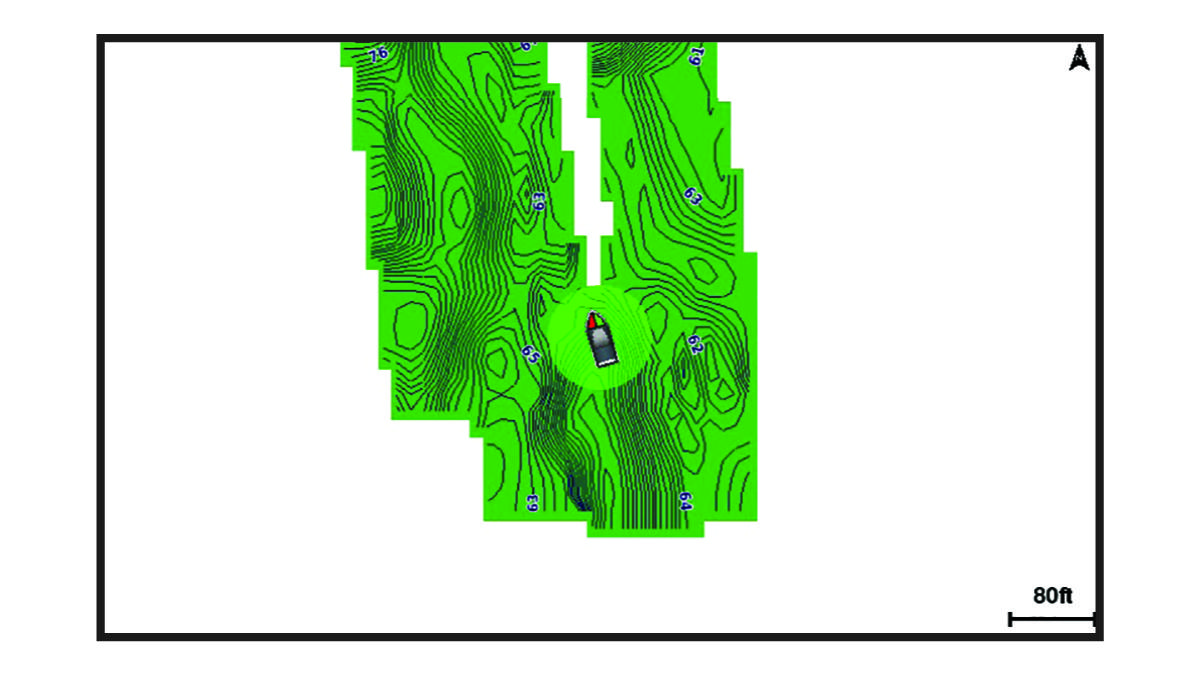
A green circle indicates good depth and GPS position, and a speed under 16 km/h (10 mph). A yellow circle indicates good depth and GPS position, and a speed between 16 and 32 km/h (10 and 20 mph). A red circle indicates poor depth or GPS position, and a speed above 32 km/h (20 mph).
You can view Garmin Quickdraw Contours in a combination screen or as a single view on the map.