Installing the Antenna Terminator
This product generates and transmits non-ionizing radiation. Exposure to electromagnetic radiation can result in serious health hazards. Before performing any bench test procedure, remove the antenna and install the antenna terminator.
The antenna terminator is included in the radar service kit (Service Kits).
-
Hold the antenna terminator against the wave guide on the rotary joint.
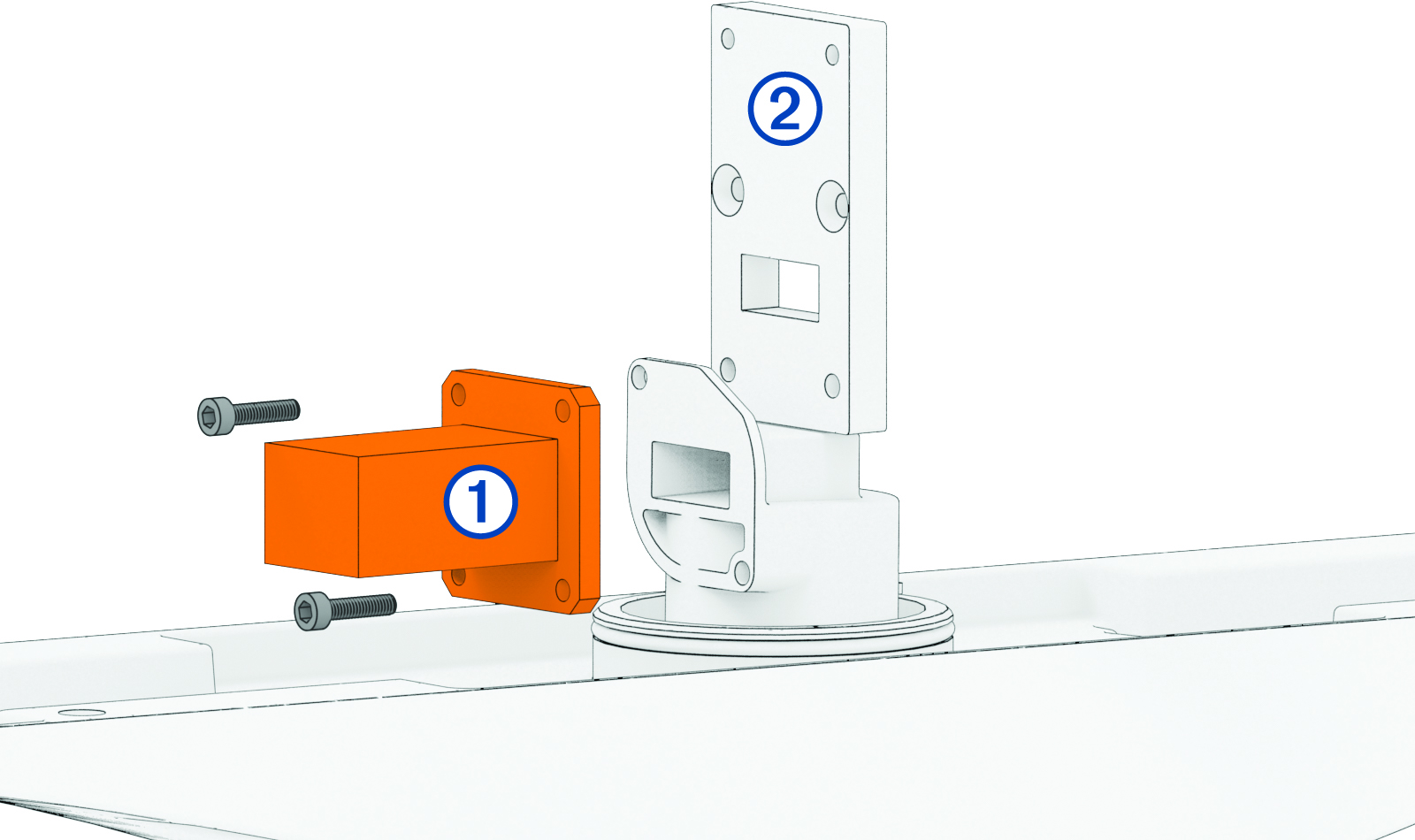
Make sure the orientation of the antenna terminator body matches the shape of the opening on the rotary joint. If the orientation does not match, the antenna terminator may not completely prevent exposure to non-ionizing radiation, leading to serious health hazards.