Reporting a Hazard
This feature allows users to submit information about potential hazards on their ride. Garmin® makes no representations about the accuracy, completeness, or timeliness of information submitted by users. Remain aware of your surroundings and defer to any posted guidance available during your ride. Failure to remain aware of your surroundings could result in property damage or personal injury.
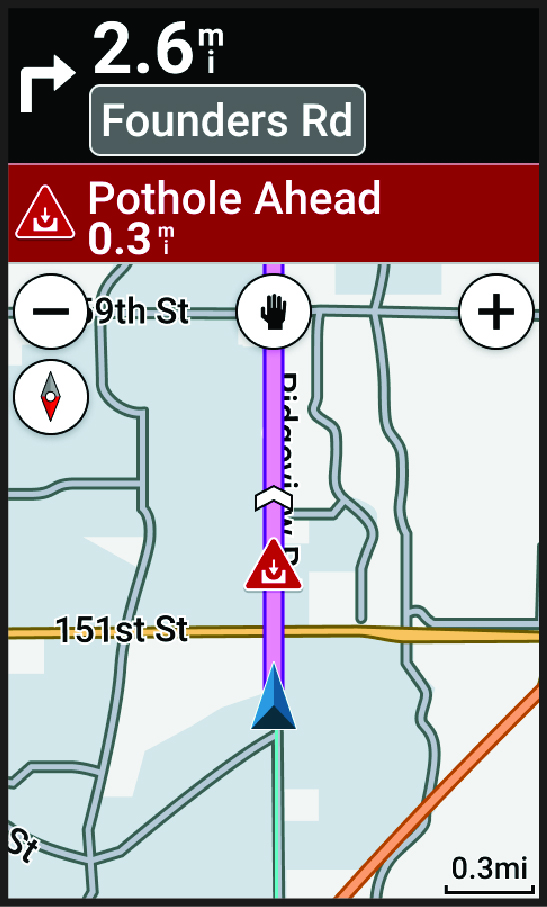
At any point during your ride, you can report a hazard that might be hazardous to cyclists, such as potholes, unleashed dogs, or fallen trees. You can also confirm a hazard on the Edge® bike computer or report that a hazard is no longer present. Hazards expire after they have not been reported for a period of time.
-
Select
 .
.
-
For a road closure, select an
arrow to mark the road closure on the map.

NOTE:
You can also use the voice command feature to report a hazard. For example, you
can say OK Garmin, Report a
pothole (Using Voice Commands).