Remote Overview
See the Important Safety and Product Information guide in the product box for product warnings and other important information.
|
|
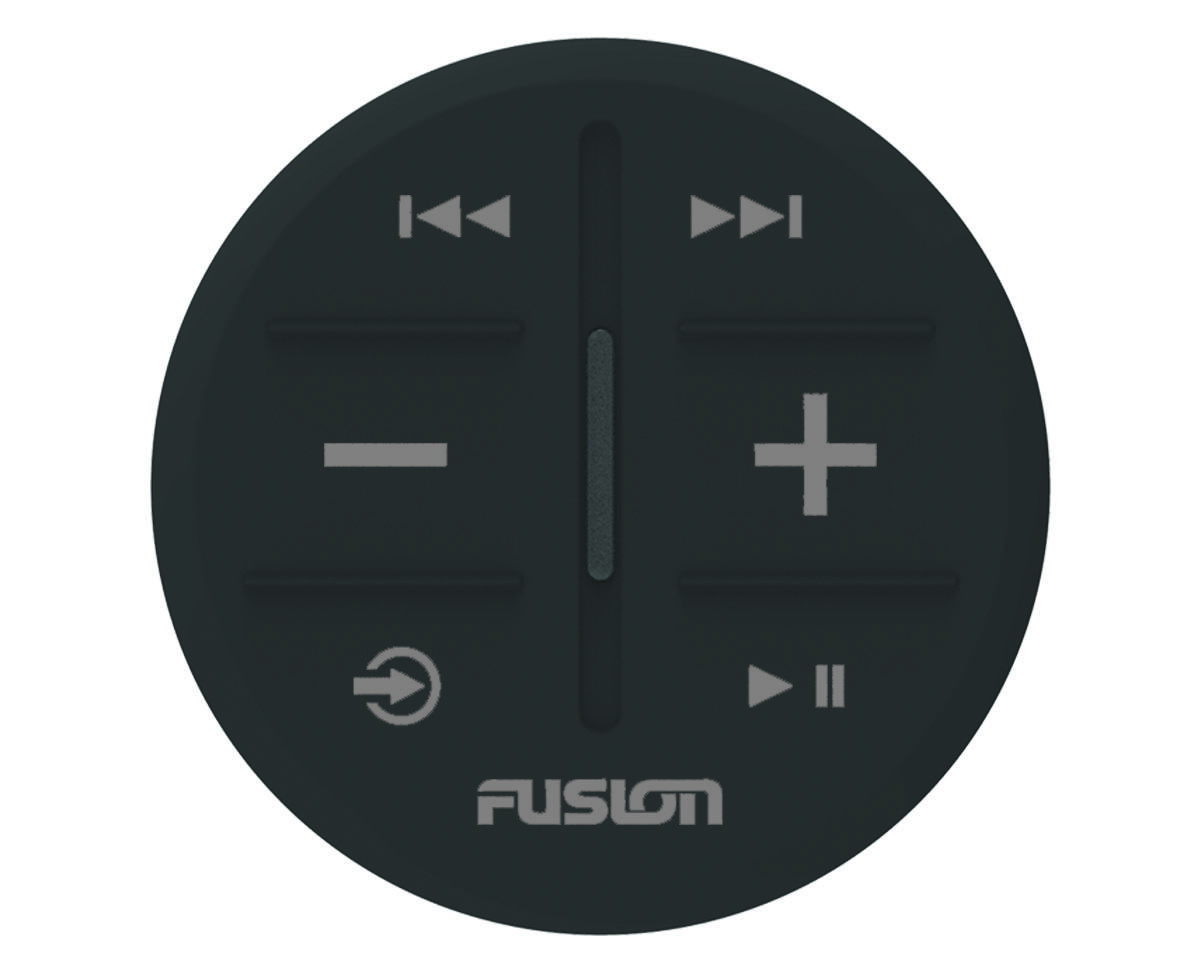
Radio sources: Press to tune to the previous station. Other sources: Press to skip to the beginning of the track or to the previous track. |
|---|---|
|
|
Radio sources: Press to tune to the next station. Other sources: Press to skip to the next track. |
|
|
Press to decrease the volume. Hold to quickly decrease the volume. |
|
|
Press to increase the volume. Hold to quickly increase the volume. |
|
|
Press both keys to enter zone selection mode (Selecting a Zone). |
|
|
Press to cycle through the available sources. Hold to pair with a stereo (Connecting the ARX70 Remote to a Stereo). |
|
|
Radio sources: Press to mute or un-mute. Other sources: Press to pause or resume. |


