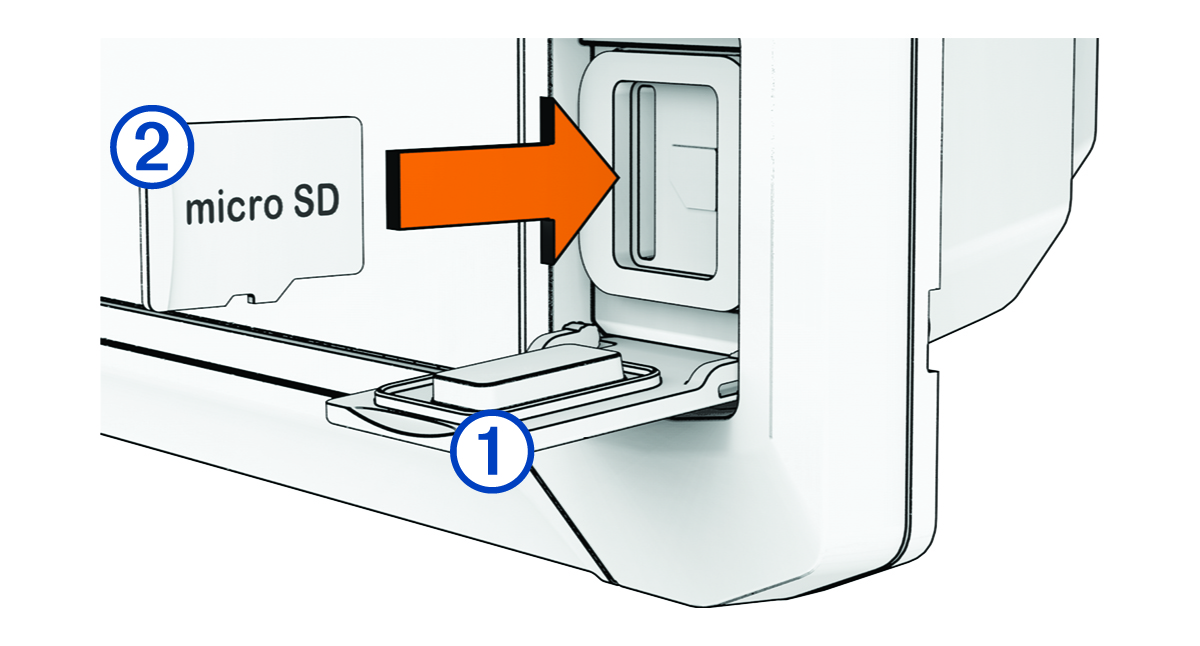
Inserting Memory Cards
As of software version 34.00, this device supports up to a 1 TB microSD® memory card, formatted to exFAT with speed class 10 or higher.
NOTE:
When you insert a new memory card into the chartplotter, the chartplotter starts writing private information onto the newly-added card.
-
Open the access flap or door on the front of the chartplotter.