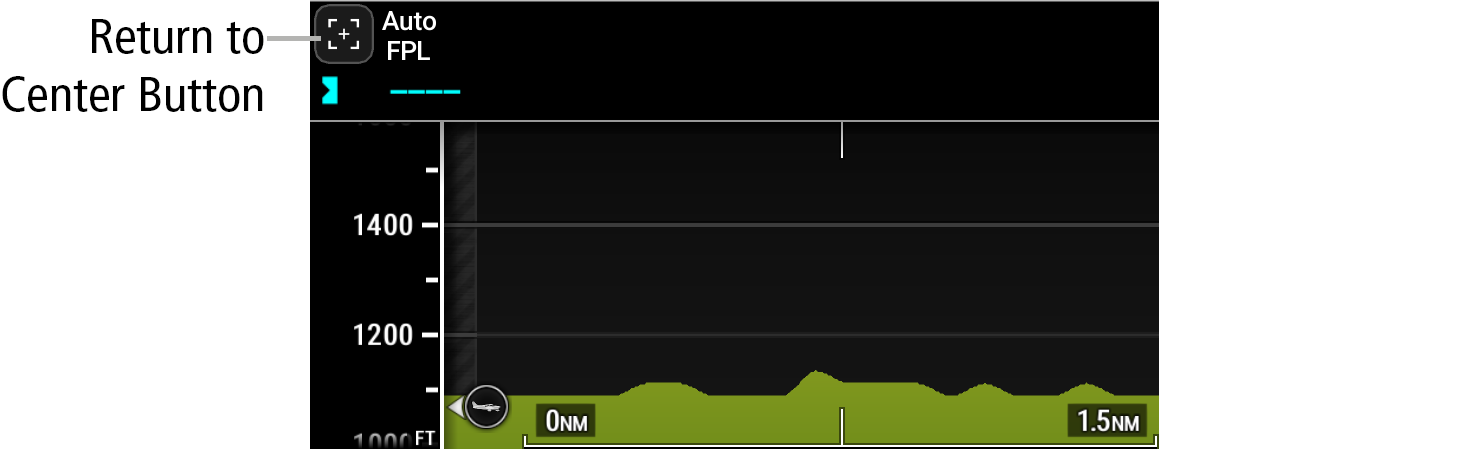
Panning the VSD: Touch and drag the VSD to pan. When finished, touch the Return to Center Button to exit panning mode on the VSD. 199: Return to center Button Parent Topic: VSD ProceduresHomeFlight Management SystemFlight PlanningVertical Situation DisplayVSD ProceduresPanning the VSD:
Panning the VSD: Touch and drag the VSD to pan. When finished, touch the Return to Center Button to exit panning mode on the VSD. 199: Return to center Button Parent Topic: VSD ProceduresHomeFlight Management SystemFlight PlanningVertical Situation DisplayVSD ProceduresPanning the VSD: