Status LED
The status LED is located next to the device button.
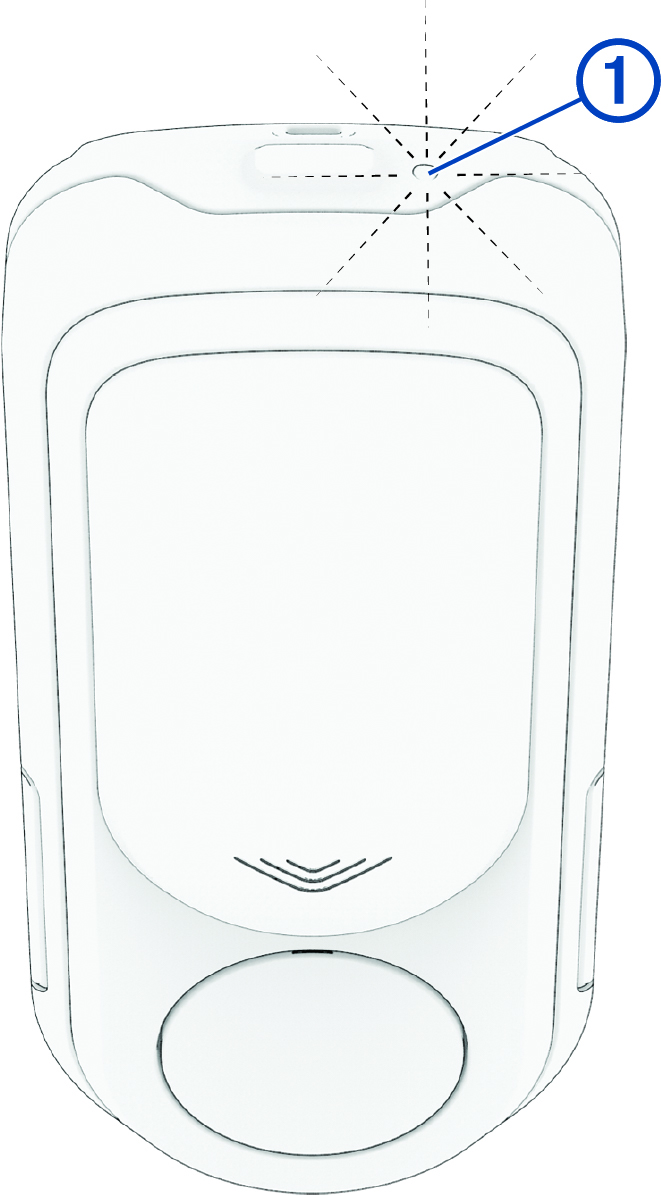
|
Flashing |
The battery level is good, and the device is in active mode. |
|---|---|
|
Flashing |
The battery level is low. |
|
Flashing |
The device is in standby mode. NOTE:
The device automatically goes into standby mode after you turn off your connected bike
computer. You can press the device button to reactivate the
device.
|
|
Flashing |
The device is in pairing mode. |
|
Flashing |
The device is in demo mode (The status LED flashes yellow). |
|
Flashing |
An error has occurred. NOTE:
Most errors, such as radar interference, are temporary. If an error persist, contact
Product Support at support.garmin.com.
|
|
Flashing |
The device is updating the software. |
|
Flashing |
The software update is complete. |
|
Flashing |
The software update failed. |


