|


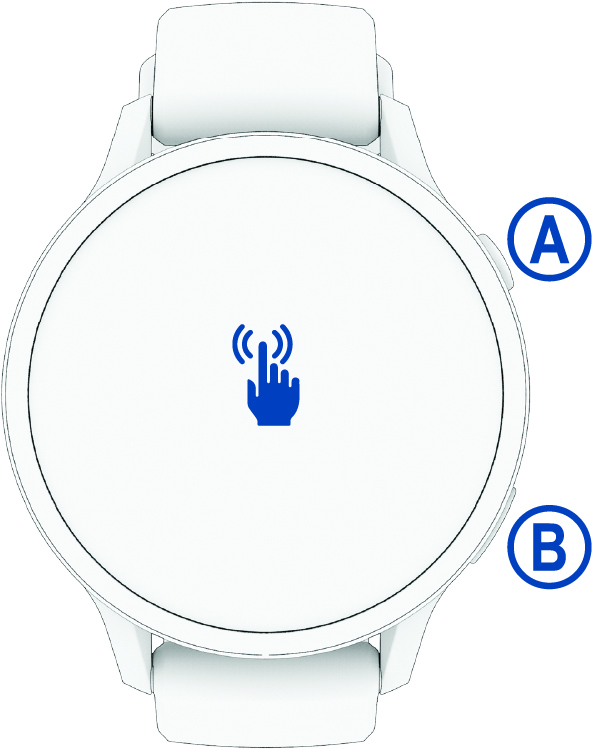
START button
|
|
|


BACK button
|
-
Press to return to the previous screen.
TIP:
During an activity, on-screen tips appear to explain non-default button behavior.
-
Hold to turn the flashlight on or off.
|
|

Touchscreen
|
-
Swipe up, down, left, or right to scroll through glances,
features, and menus (Touchscreen Tips).
-
Tap to select an option in a menu.
-
Swipe right to return to the previous screen.
-
From the activities and apps menu, swipe down from the top of
the screen to view the controls menu, including power (Controls).
|