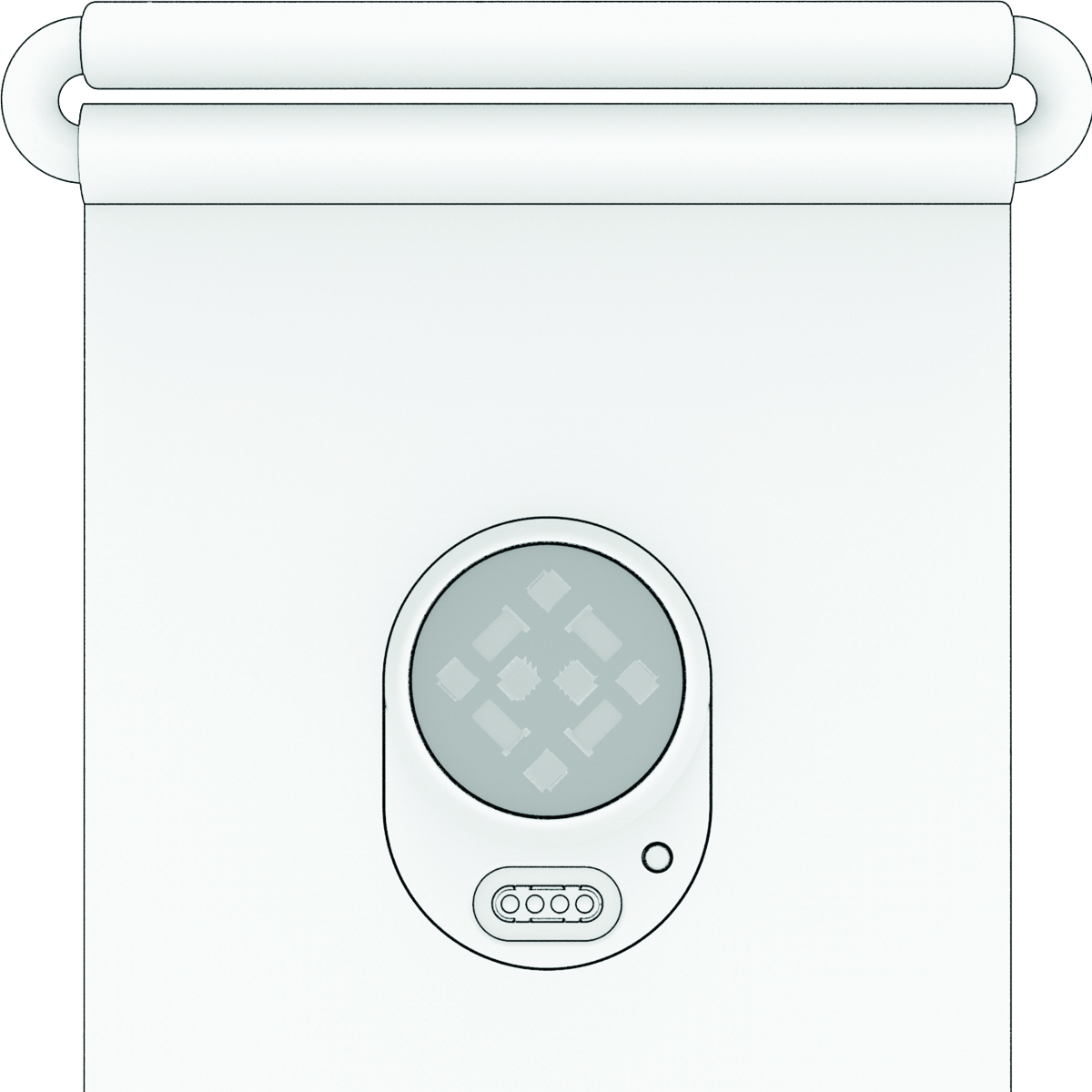
Removing and Inserting the Module into the Sleep Band
You must remove the module from the Index™ Sleep Monitor to wash the sleep band (Machine Washing).
-
Release the hook and loop fasteners to open the module pocket on the sleep band .
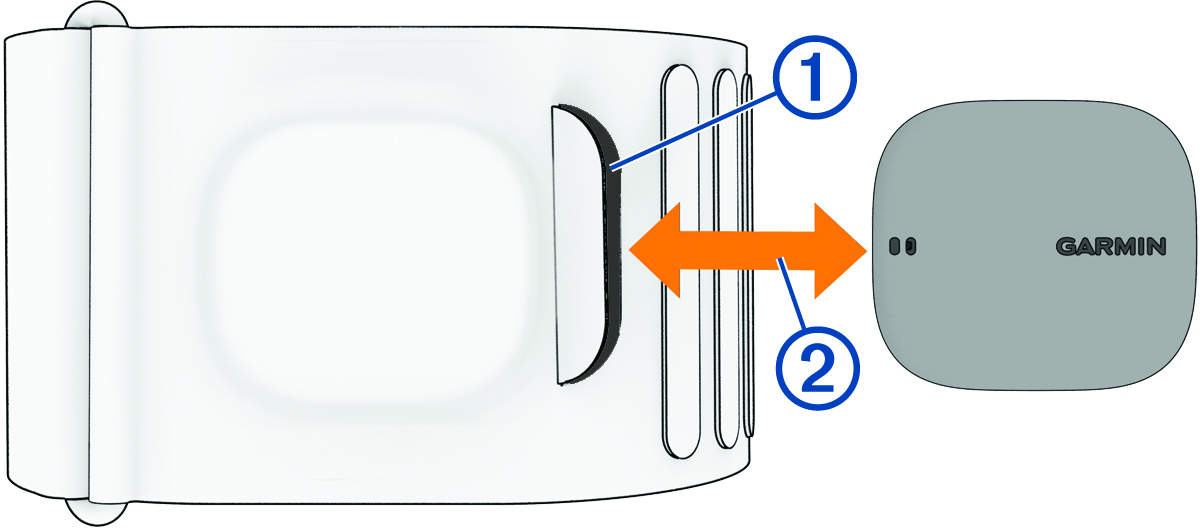
-
To insert the module, slide it into the open pocket with the
Garmin® logo facing up.
TIP: When the module is in the sleep band, the sensor and charging port must be clear of any fabric.