Driver Awareness Features and Alerts
Your device provides features that can help encourage more attentive driving, even when you are driving in a familiar area. When paired with the Garmin Drive™ app on your phone or a compatible Garmin® navigator, you can customize the device features and alerts.
Blind Spot Monitoring
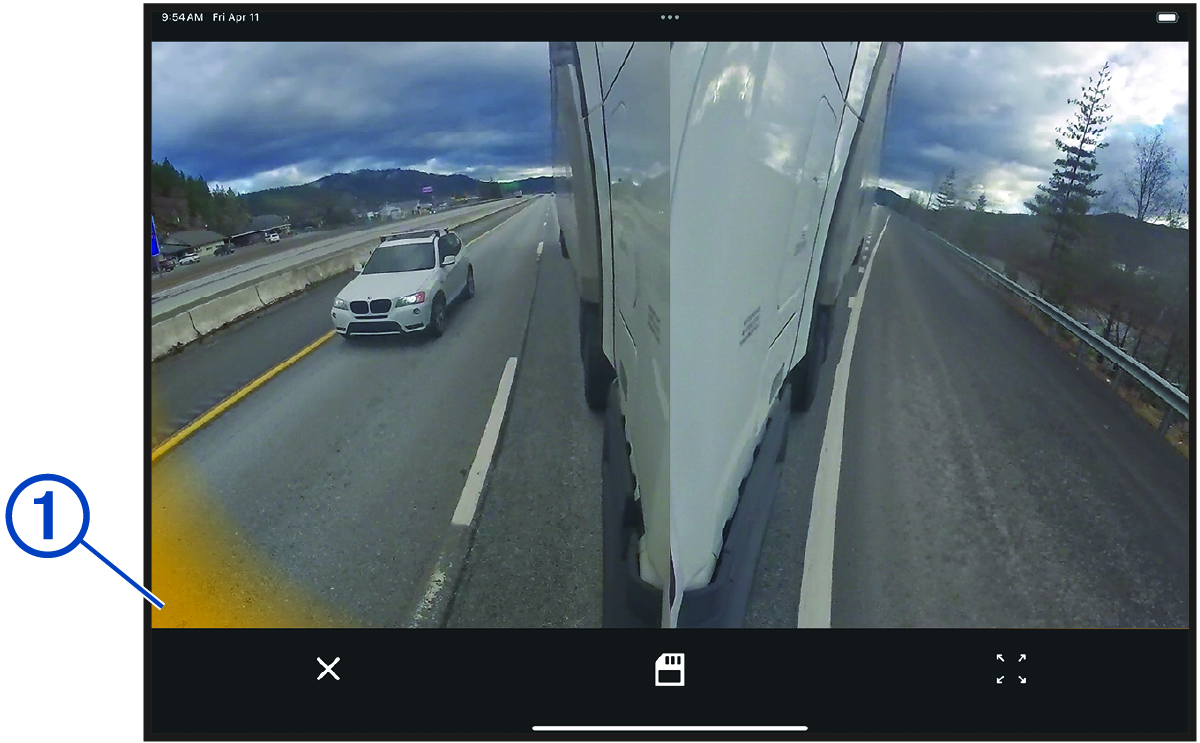
Accurate blind spot monitoring is possible only if your dēzl™ DualView camera system has been installed properly and the lenses have been aligned using the onboarding process in the Garmin Drive app on your paired phone or tablet.
Before you can use the merge alert feature, you must connect the turn signal wires to the turn signals on your vehicle (Connecting the Turn Signal Wires).
Parking Guard
The Parking Guard feature is supplemental and should not be relied upon as a primary method to monitor your vehicle. The functionality, reliability, availability, or timeliness of any recorded video or associated notifications depends on a number of factors that are beyond Garmin's control, including but not limited to data connectivity and device power.
Some jurisdictions may prohibit or regulate recording video. Jurisdictions may require that all parties have knowledge of the recording and provide consent before you record video. It is your responsibility to know and comply with all laws, regulations, and any other restrictions in your jurisdiction.
This feature allows the camera system to record video more selectively while your vehicle is parked. When you park your vehicle, the camera automatically enters parked recording mode after five minutes. While in parked recording mode, the camera automatically records video each time it detects an incident. If you have an active Vault subscription, the camera sends a notification to your phone when the camera is connected to a Wi‑Fi® network and an incident is detected. You can manage Parking Guard settings using the Garmin Drive app on your smartphone (Settings).