Viewing the Wind Speed and Direction
The wind feature is a pointer that shows the wind speed and direction relative to the pin. The wind feature requires a connection with the Garmin Golf™ app.
-
While playing a round, select
 .
.
-
Select
Wind.
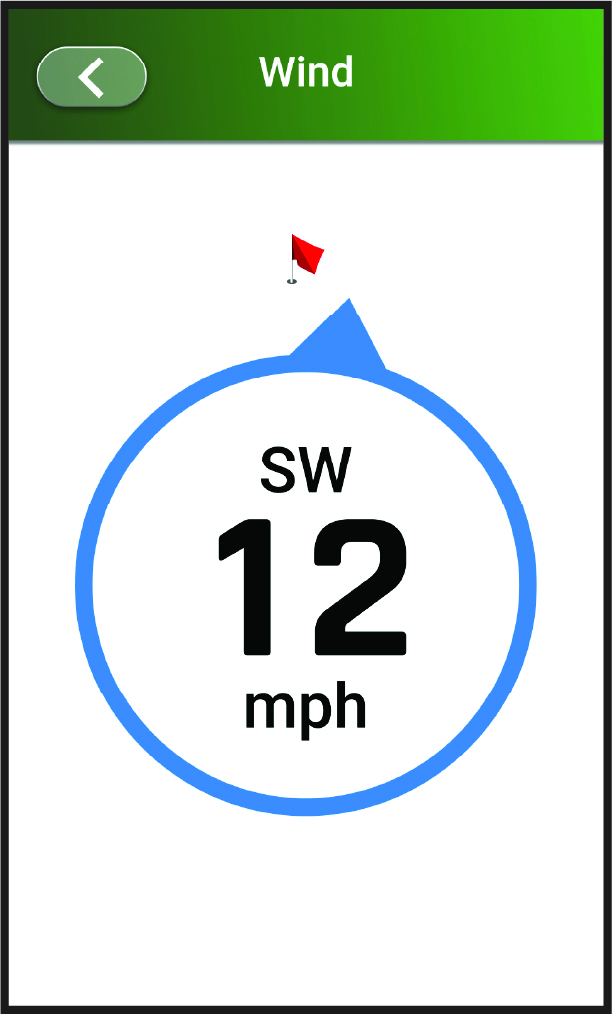
The arrow points to the wind direction relative to the pin.
TIP: You can also view the wind speed and direction from the wind icon on the hole view screen (Hole View).