AIS Plotter
The plotter screen shows the location of nearby AIS targets in relation to you.
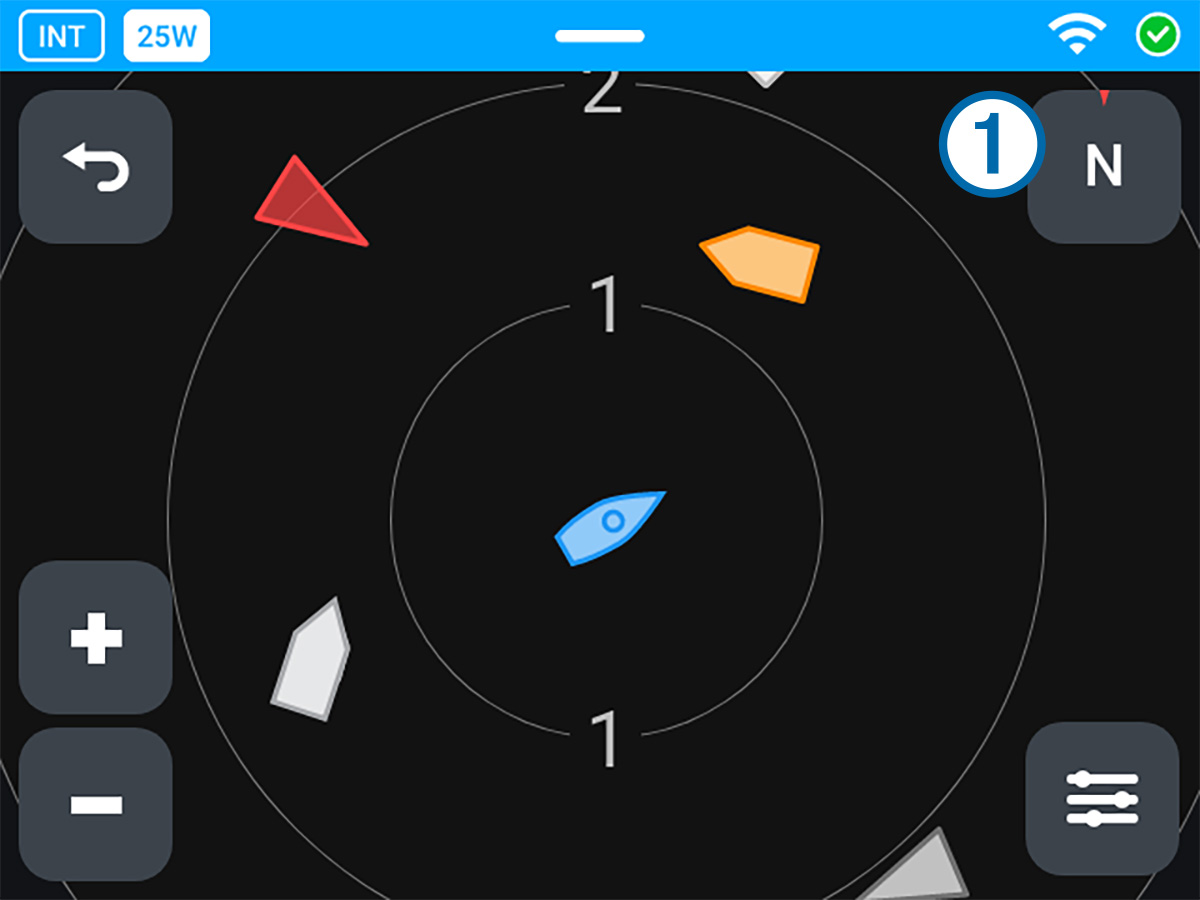
|
|
Select to change the plotter orientation (Changing the Plotter Orientation). |
|---|---|
|
|
Select to return to the VHF screen. |
|
|
Select to zoom in and out of the plotter view. |
|
|
Select to apply a filter to the plotter screen, reducing the number of vessels shown (Filtering the Plotter View). |




You can select any AIS target on the screen to view more information (Viewing AIS Target Information).
When there is a risk of colliding with a vessel, the icon on the plotter screen is shown in orange. If the risk of collision persists, the icon turns red, and the radio issues a collision alarm (AIS Alarms). You can customize your collision alarms to different conditions (Alarm Settings).
AIS targets are represented by different icons depending on what type of target they are (AIS Plotter Icons).