Changing the Plotter Orientation
-
From the AIS plotter screen, select .
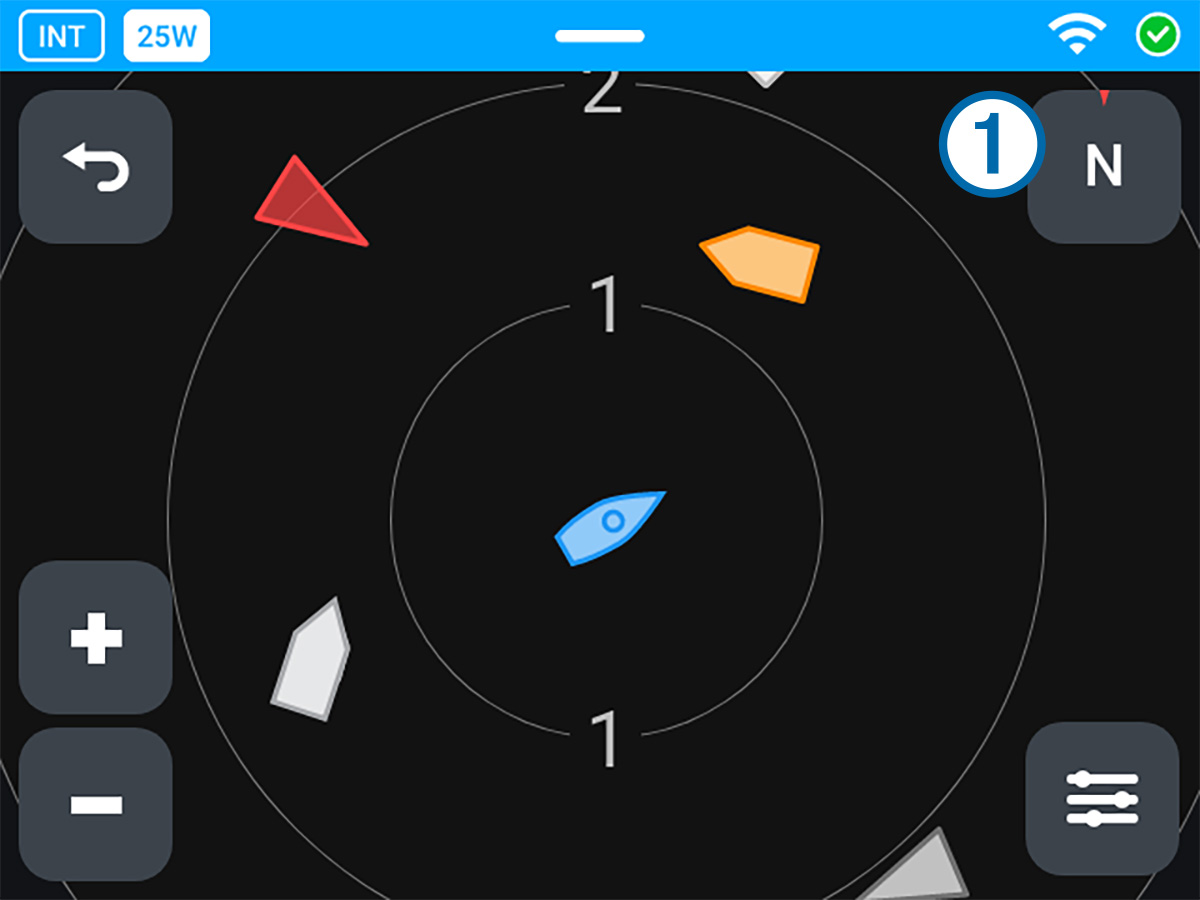
-
Select an option:
-
Select North Up to keep north at the top of the screen.
-
Select Heading Up to rotate the plotter automatically so the top of the screen always matches your heading (the direction the bow points toward).
NOTE: If there is no heading sensor connected to your NMEA 2000® network, the device estimates your heading using GPS data. -
Select Course Up to rotate the plotter automatically so the top of the screen always matches your course (the vessel's direction of travel).
When you select Heading Up or Course Up, the icon on the plotter screen shows your present heading or course in degrees. You can change the north reference used for calculating your heading and course (Preferences).
-