|


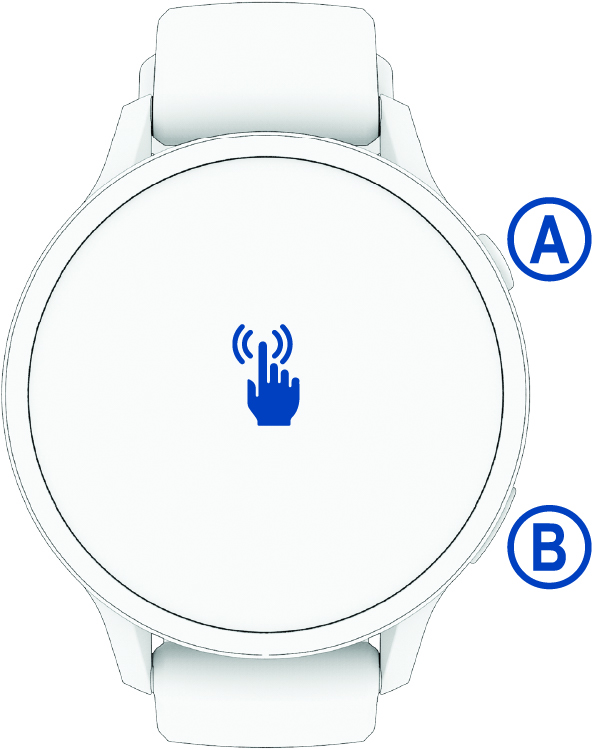
START button
|
-
Hold for 2 seconds to turn on the watch.
-
Press to open the activities and apps menu, including watch settings.
-
Hold for 2 seconds to view the controls menu, including power.
-
Hold until the watch vibrates 3 times to request assistance (Safety and Tracking Features).
|
|


BACK button
|
-
Press to return to the previous page.
TIP:
During an activity, on-screen tips appear to explain non-default button behavior.
-
Hold to turn the flashlight on or off.
|
|

Touchscreen
|
-
Swipe up, down, left, or right to scroll through glances, features, and menus (Touchscreen Tips).
-
Tap to select an option in a menu.
-
Swipe right to return to the previous screen.
|