Attaching a Club Tracking Tag to a Club
-
Locate the tag label on the underside of the tag.
Your set comes with 16 tags, each labeled and programed with one of 16 club types. The tag label identifies the club type.
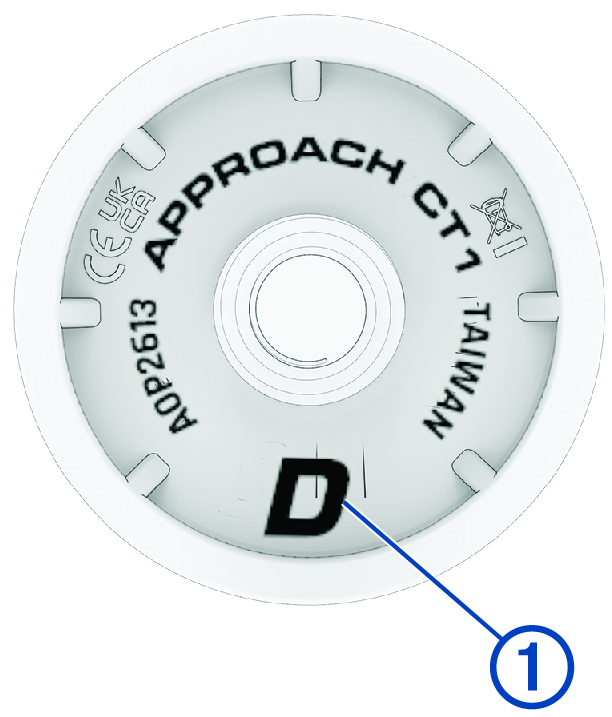
- Locate your club that matches the tag label.
-
Screw the tag into the hole at the end of the grip.
TIP: You can use the installation tool included in the box to improve your hold on the tag when screwing it into the grip. Holding the tag and twisting the grip may make installation easier.
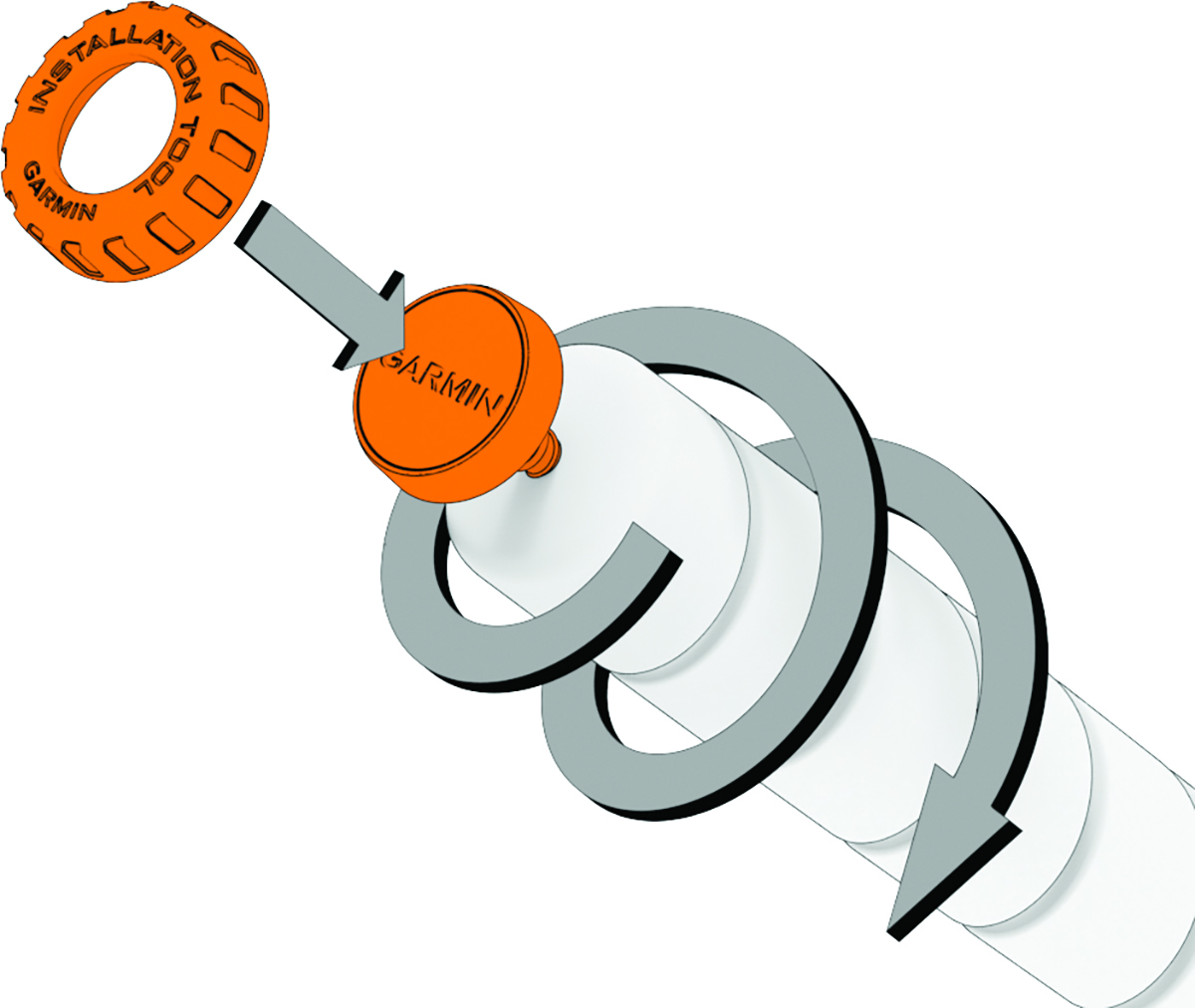
- Tighten the tag so it does not move during use.
-
Repeat steps 1-4 for each remaining tag in your set.
NOTE: If you have a club type that does not match one of the 16 tag labels, you will have an option to manually assign the tag when you enable club tracking on your watch (Enabling Club Tracking).NOTE: If you have a SuperStroke® putter grip, the included putter tag will not fit on this grip. You can use an Approach® CT1 - SuperStroke Edition device (sold separately) for this grip (Attaching a Club Tracking Tag to a SuperStroke Grip).
Parent Topic: Introduction