Device Overview
|
|
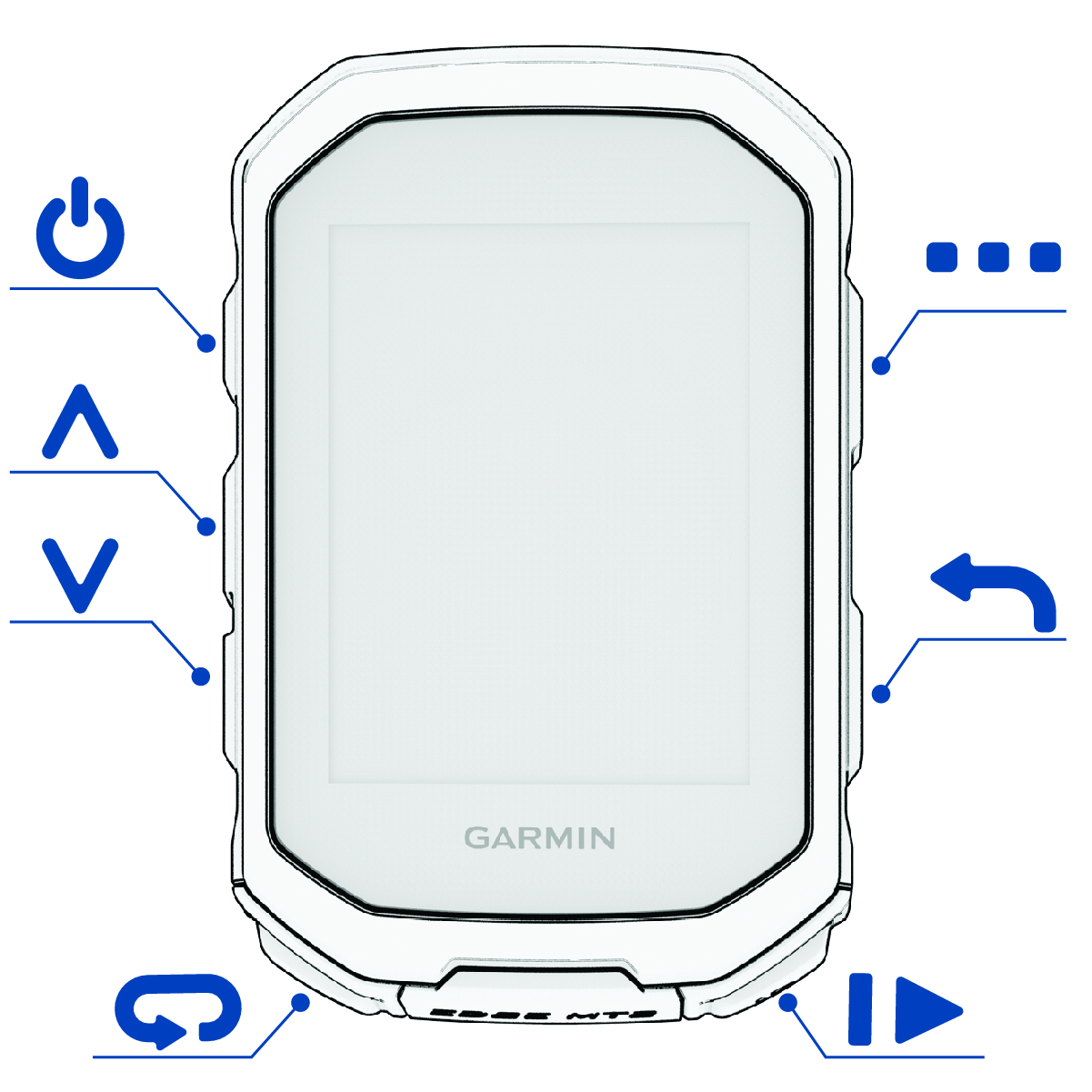
Press to enter sleep mode and wake the device. Hold to turn the device on and off. |
|---|---|
|
|
Press to scroll through the data screens, options, and settings. From the home screen, press to view the widgets. |
|
|
Select to scroll through the data screens, options, and settings. From the home screen, press to view the glances. |
|
|
Press to mark a new lap. |
|
|
Press to start and stop the activity timer. |
|
|
Press to return to the previous screen. |
|
|
From the home screen, hold to view the main menu. Press to choose an option, open a shortcut menu, or acknowledge a message (Using the Shortcut Menu). |


