Using the Shortcut Menu
Shortcut menus enable you to quickly access features or perform functions, such as adding a sensor or activity profile, or starting a ride from a map.
When the menu tray appears on the screen, press or hold
 to view the shortcut menu.
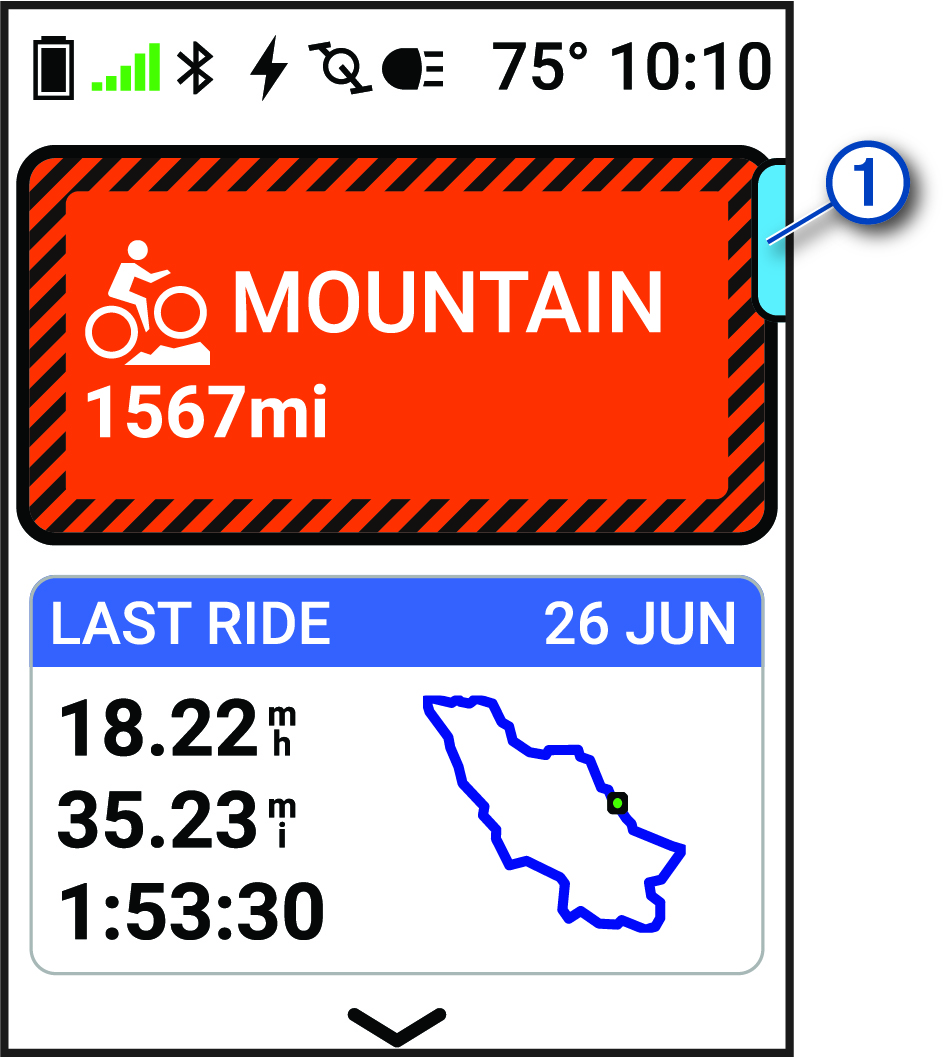
to view the shortcut menu.
-
When the menu tray is
 , press
.
, press
.
-
When the menu tray is
 , hold
.
, hold
.