Charging the Battery Pack
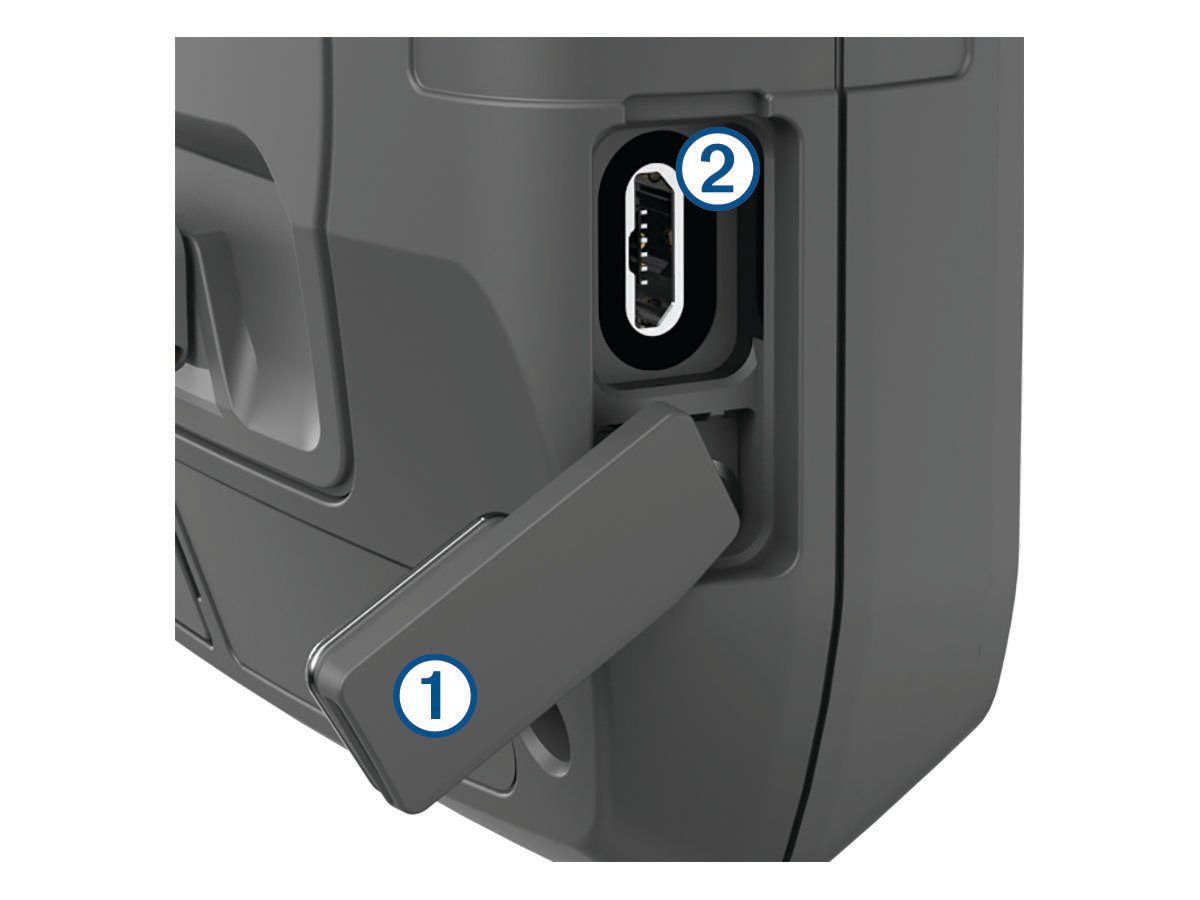
To prevent corrosion, thoroughly dry the USB port, the weather cap, and the surrounding area before charging or connecting to a computer.
Do not attempt to use the device to charge a battery that was not provided by Garmin®. Attempting to charge a battery that was not provided by Garmin can damage the device and void the warranty.
Before you can connect the USB cable to your device, you may need to remove optional mount accessories.
NOTE:
The device does not charge when outside the approved temperature range (Specifications).
You can charge the battery using a standard wall outlet or a USB port on your computer.
-
Pull up the weather cap from the USB port .