Viewing Radar on Your Edge Bike Computer
Go for a ride.
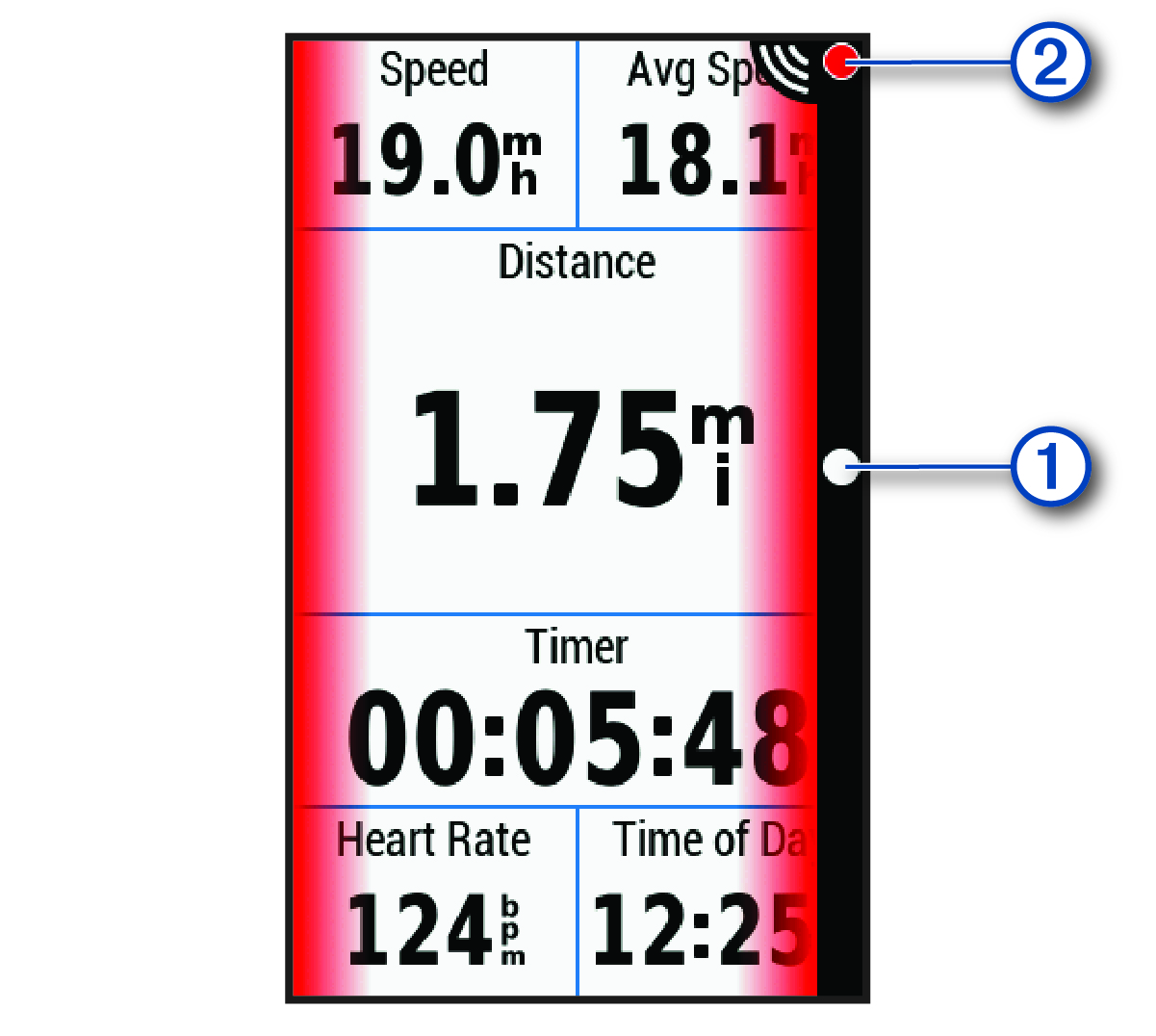
The radar information appears on the active data screen.
The vehicle position LED  moves up the column as a vehicle gets closer to your bike. The threat level LED
  changes color based on the potential level of threat. Green indicates no vehicle is detected. Amber indicates a vehicle is approaching. Red indicates a vehicle is advancing at a high rate of speed.