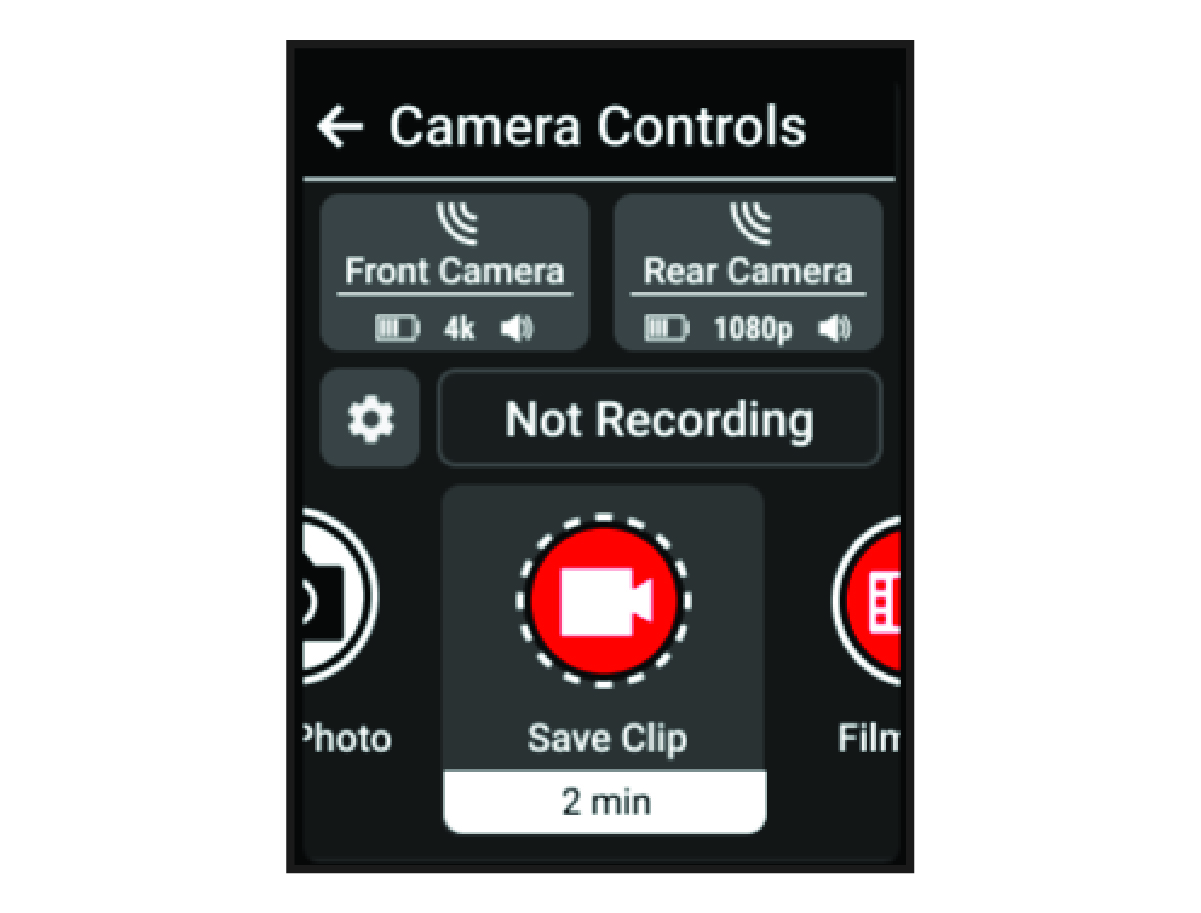
Using the Varia Camera Controls
Some jurisdictions may prohibit or regulate the recording of video, audio, or photographs, or may require that all parties have knowledge of the recording and provide consent. It is your responsibility to know and follow all laws, regulations, and any other restrictions in jurisdictions where you plan to use this device.
Before you can use the Varia™ camera controls, you must pair the accessory with your bike computer (Pairing Your Wireless Sensors).
-
Press
 , and select
Camera Controls.
, and select
Camera Controls.
The bike computer displays the camera controls, as well as the recording mode, battery status, video resolution, and audio status of all connected cameras.