Going for a Run
The first fitness activity you record on your watch can be a run, ride, or any outdoor activity. You may need to charge the watch before starting the activity (Charging the Watch).
The watch records activity data only while the activity timer is running.
-
Press
 , and select an activity.
-
Press
.
-
Go for a run.
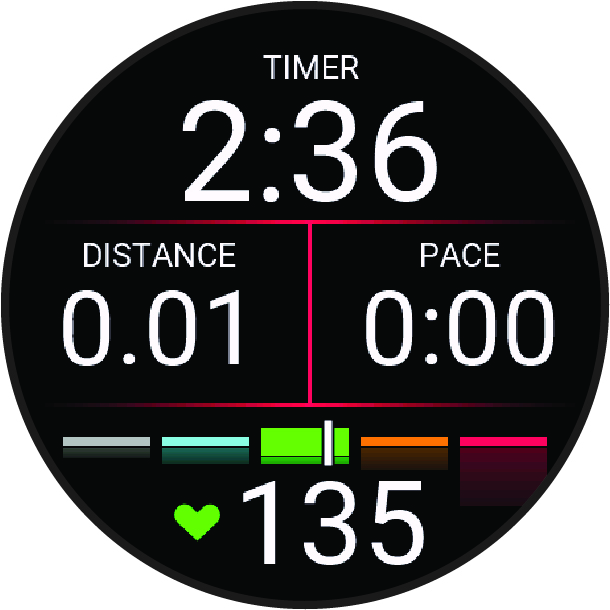
NOTE: During an activity, you can hold to open the music controls (Music Playback Controls).
-
After you complete your run, press
.
-
Select an option:
-
Select Resume to restart the activity timer.
-
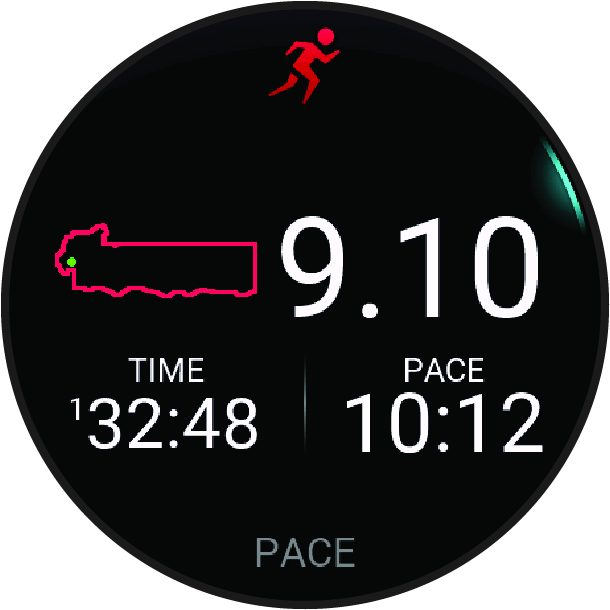
Select Save to save the run and reset the activity timer. You can select the run to view a summary.
NOTE: For more run options, see Stopping an Activity. -