VARIA VUE Owner’s Manual

Contents
Expand|Collapse
Search
No results found.

Pairing an Additional Varia Device

  1. From the Varia app, select .
  2. Select Devices > Add Device.
  3. Follow the on-screen instructions to complete the pairing and setup process.

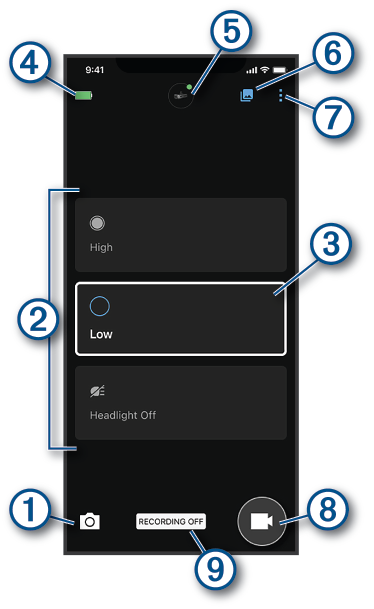
When both the Varia Vue and a Varia radar device are paired with your phone, the app displays both devices.
Home
The Varia App
Pairing the Varia Vue with Your Phone
Pairing an Additional Varia Device
  • Previous
  • Next
  • Highlight
  • Share
  • Print

Copyright © Garmin Ltd. or its subsidiaries. All rights reserved.