Viewing the Controls Menu
The controls menu contains options, such as turning on do not disturb mode, locking the keys, and turning the device off. You can enable stealth mode. You can also enable night vision mode.
NOTE: You can add, reorder, and remove the options in the controls menu (Customizing the Controls Menu).
- From any screen, hold CTRL.
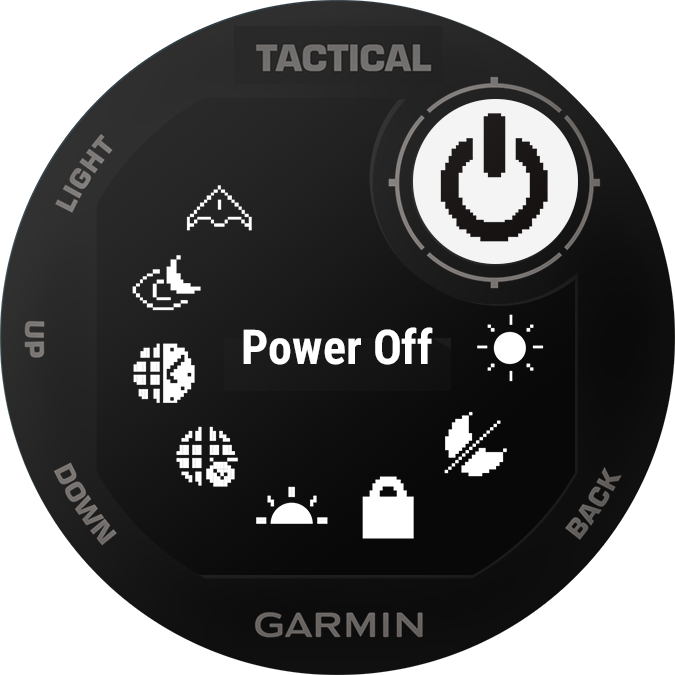
- Select UP or DOWN to scroll through the options.
Enabling Night Vision Mode
You can enable night vision mode to reduce backlight intensity for compatibility with night vision goggles.
NOTE: When you enable night vision mode, wrist heart rate monitoring is disabled.
- Hold CTRL.
- Select
 .
.