Using ClimbPro
The ClimbPro feature helps you manage your effort for upcoming climbs. You can view details about the climbs, including when they occur, average gradient, and total ascent. The climb scores, based on length and gradient, are indicated by color.
- Enable the ClimbPro feature for the activity profile ().
- Select Climb Detection.
- Select the climb categories to include, based on difficulty ().
- Select Mode.
- Select an option:
- Select Terrain Type, and select an option.
- Review the climbs in the climb explore widget ().
TIP: Climbs also appear in the course details ().
- Go for a ride.
At the start of a climb, the ClimbPro screen appears automatically.
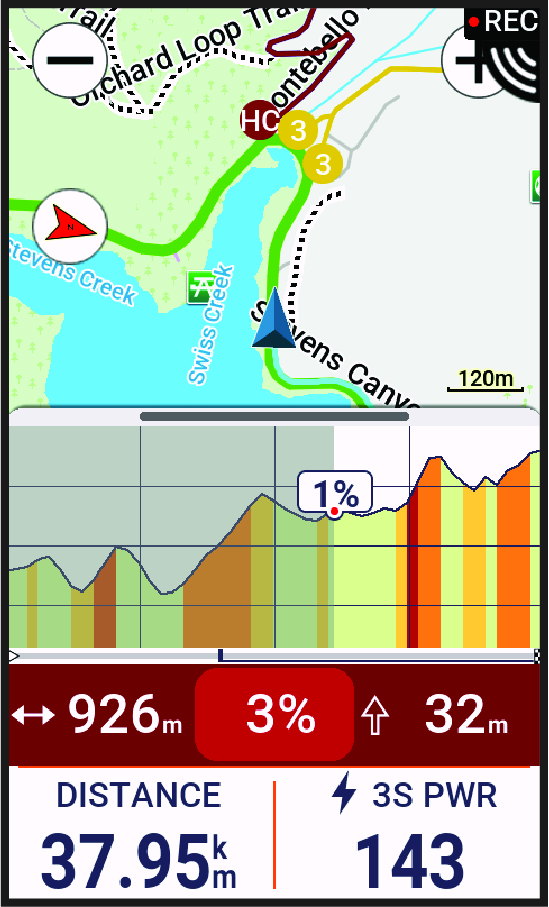
After you save the ride, you can view the climb splits in your ride history.