Pairing Another Smartphone with Your Garmin Speak Plus Device
You can manually enable pairing mode on your Garmin Speak™ Plus device to pair it with a new smartphone or an additional smartphone. This is useful if you purchase a new smartphone or if multiple people use your Garmin Speak Plus device.
-
With the
Garmin Speak Plus device turned on, hold
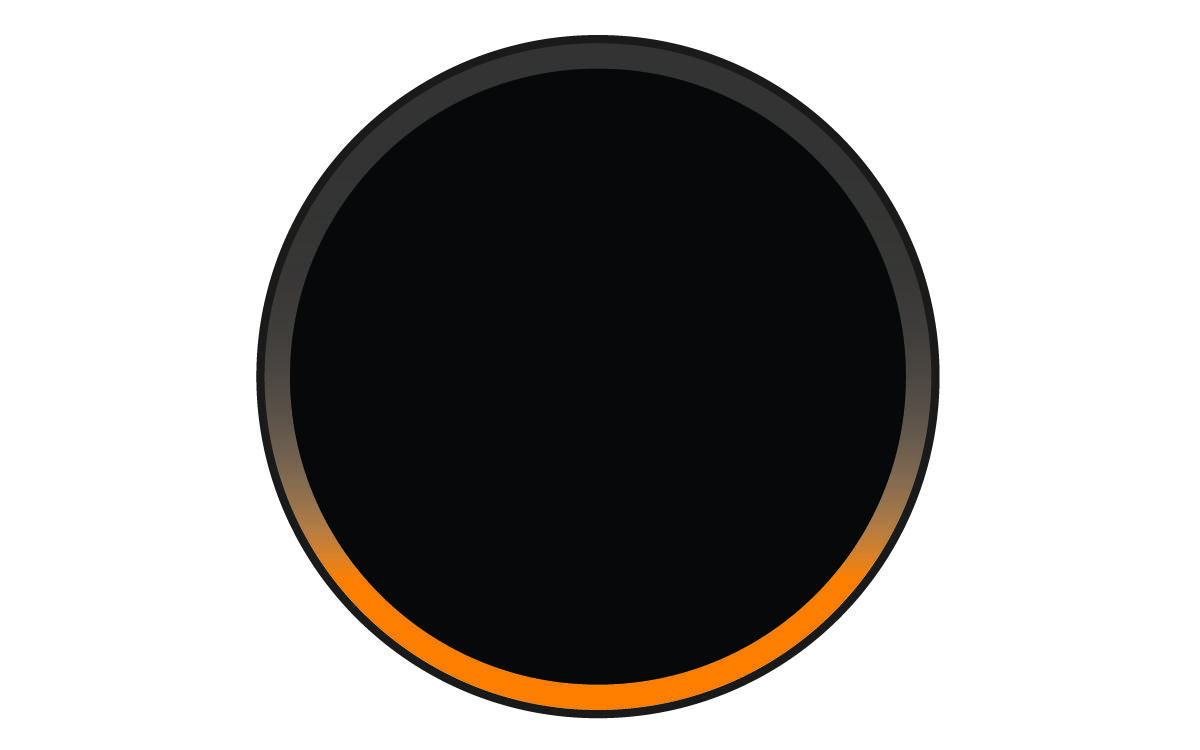
 for about 5 seconds until the LED ring shows a spinning orange light.
The spinning orange light indicates the device is in pairing mode.
-
From the app store on the new smartphone, install and open the
 Garmin Drive™ app.
Each time the Garmin Speak Plus turns on, it attempts to connect to the most recently connected smartphone first. If that smartphone is not within range, it connects to another paired smartphone within range.