Location Search Results
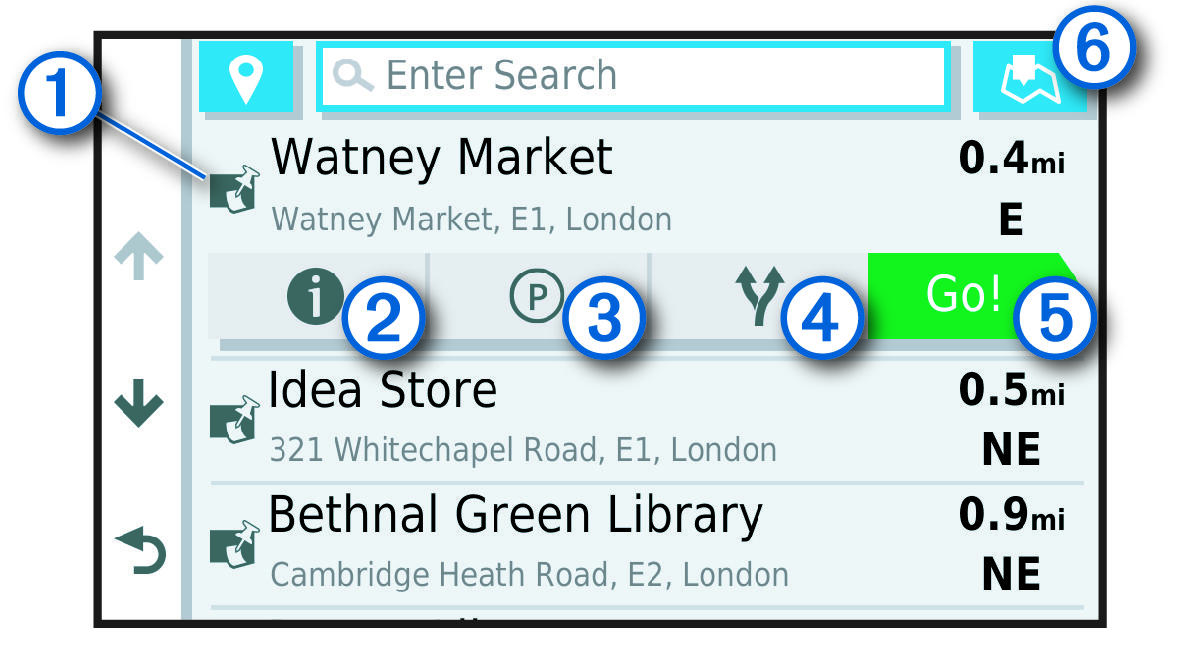
By default, the location search results appear in a list, with the nearest location at the top. You can scroll down to view more results.
|
| Select a location to view the option menu. |
|---|---|
|
| Select to view detailed information about the selected location. |
|
| Select to find parking areas near the location. |
|
| Select to view alternate routes to the locations. |
|
| Select to start navigating to the location using the recommended route. |
|
| Select to view the search results on the map. |


