Home Screen
NOTE: The home screen and customisation options may vary based on configuration by your fleet management company.
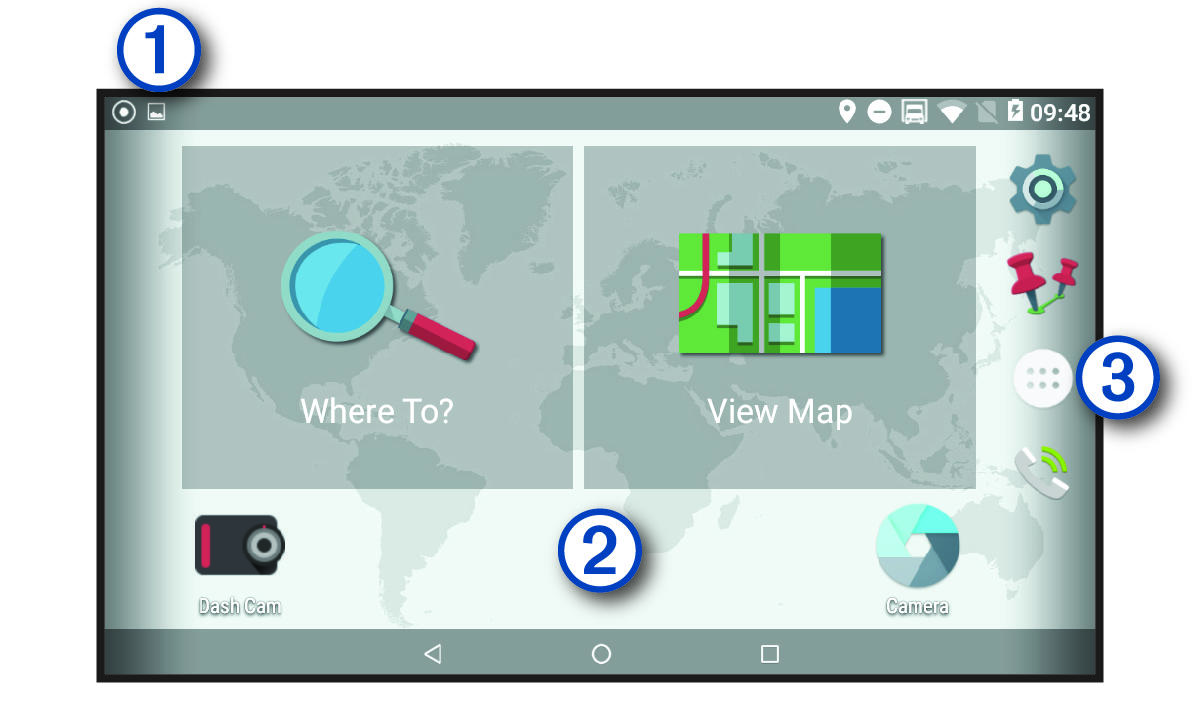
|
| Swipe down to view notifications. Swipe down twice to quickly change settings and backlight brightness. |
|---|---|
|
| Hold to customise the wallpaper or add widgets to the home screen. |
|
| Select to open the app drawer. The app drawer contains shortcuts to all the apps installed on your device. |


