Installing a Memory Card
Do not use a sharp object to remove user-replaceable batteries.
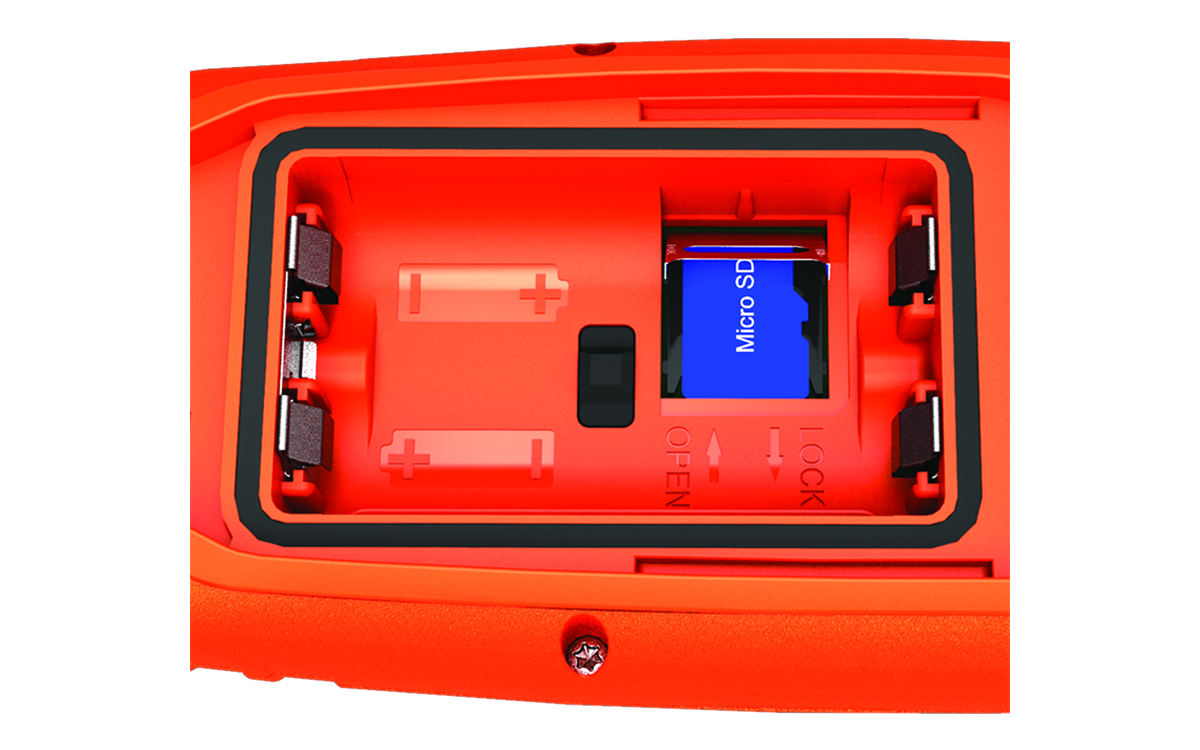
You can install a microSD™ memory card in the handheld device for additional storage or pre-loaded maps.
-
Slide the card holder to the left and lift up.
Do not use a sharp object to remove user-replaceable batteries.
You can install a microSD™ memory card in the handheld device for additional storage or pre-loaded maps.