Installing Batteries
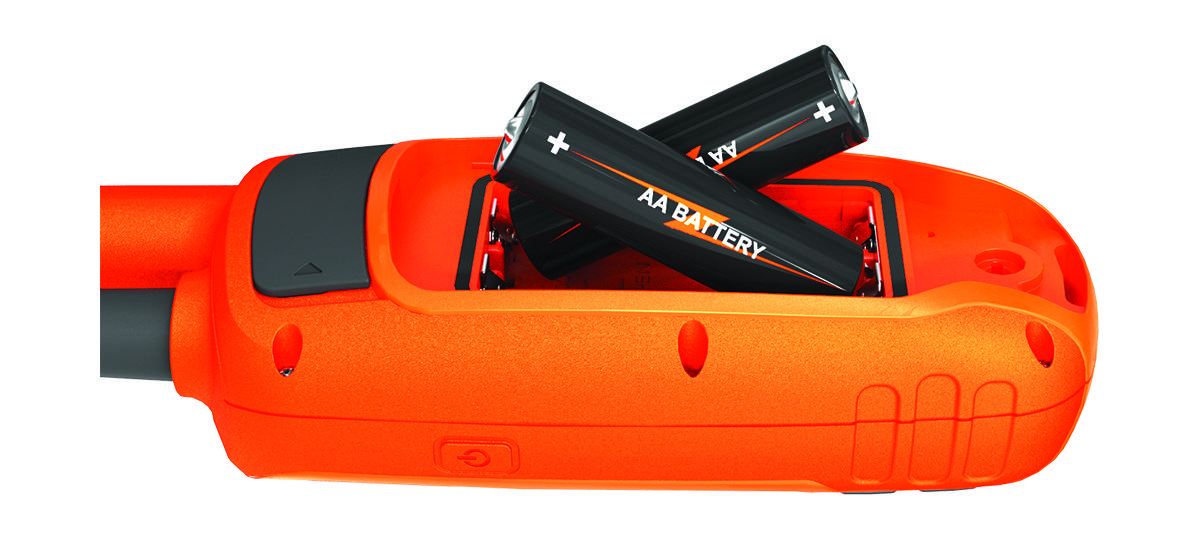
The handheld device operates on two AA batteries (not included). Use NiMH or lithium batteries for best results.
-
Insert two AA batteries, observing polarity.
-
Hold
 .
.
The handheld device operates on two AA batteries (not included). Use NiMH or lithium batteries for best results.
.