Installing the Dock in an Alante or Precept Dashboard
Before you can install the dock in the dashboard, you must install the bracket on the dock.
You cannot use screws to secure the dock to the dashboard panel. Folded tabs on the bracket hold the dock in place using tension.
-
Place the dock
 in the dashboard panel
  .
.
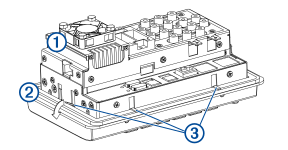
-
Fold down all of the tabs
 on the bracket to secure the dock to the back of the dashboard panel.