Charging the Battery
-
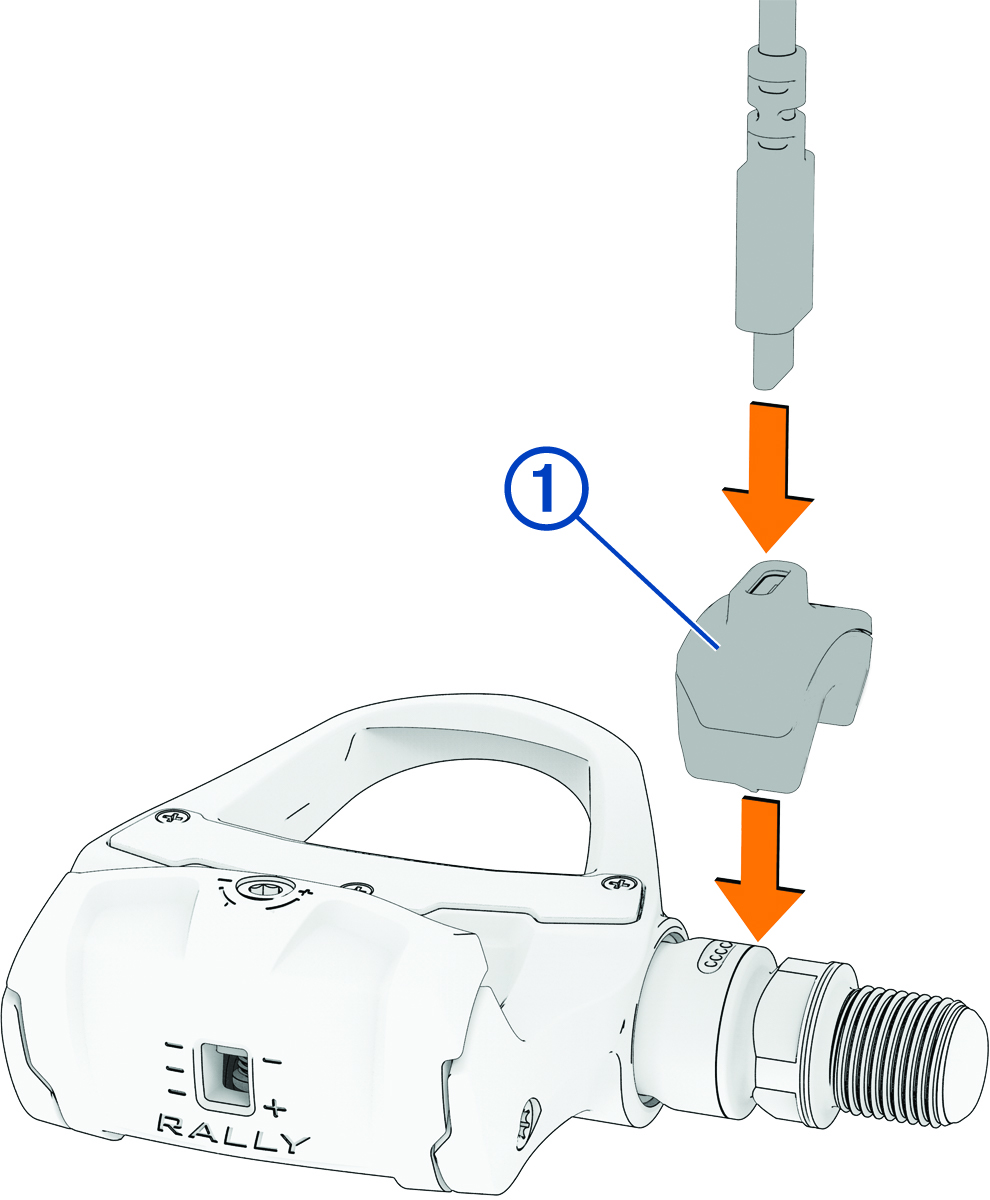
Connect the USB-C® cable to the charging adapter .
-
Connect the other end of the USB-C cable to a power supply, such as a
charging port or AC adapter (not included).
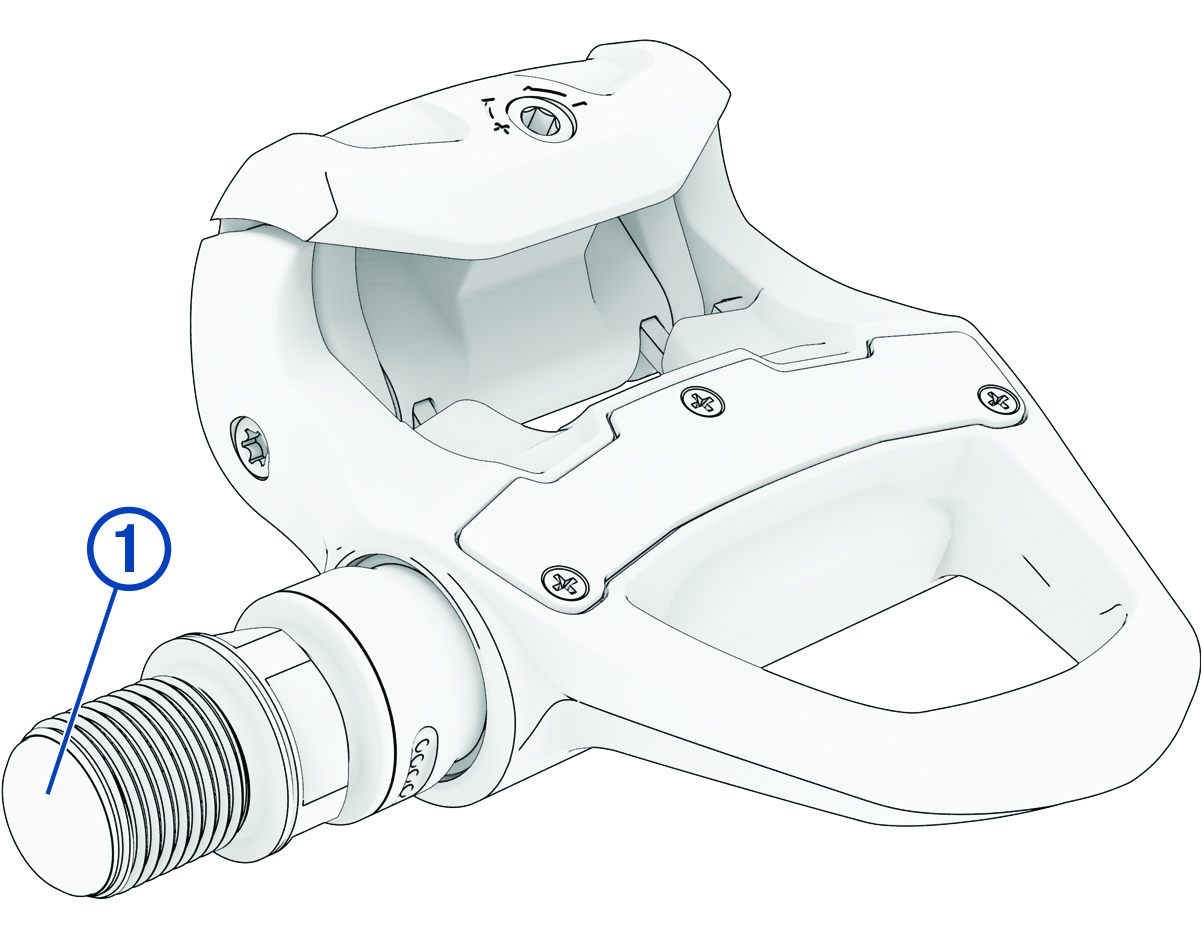
The LED on the threaded end of the spindle flashes
 (green) to indicate the charging status.
Charging Status LED
While charging, the status LED indicates the battery charge level.
|
Flashes |
Below 20% charged. |
|---|---|
|
Flashes
|
Between 20% and 90% charged. |
|
Flashes
|
Above 90% charged. |
|
Solid
|
Fully charged. |