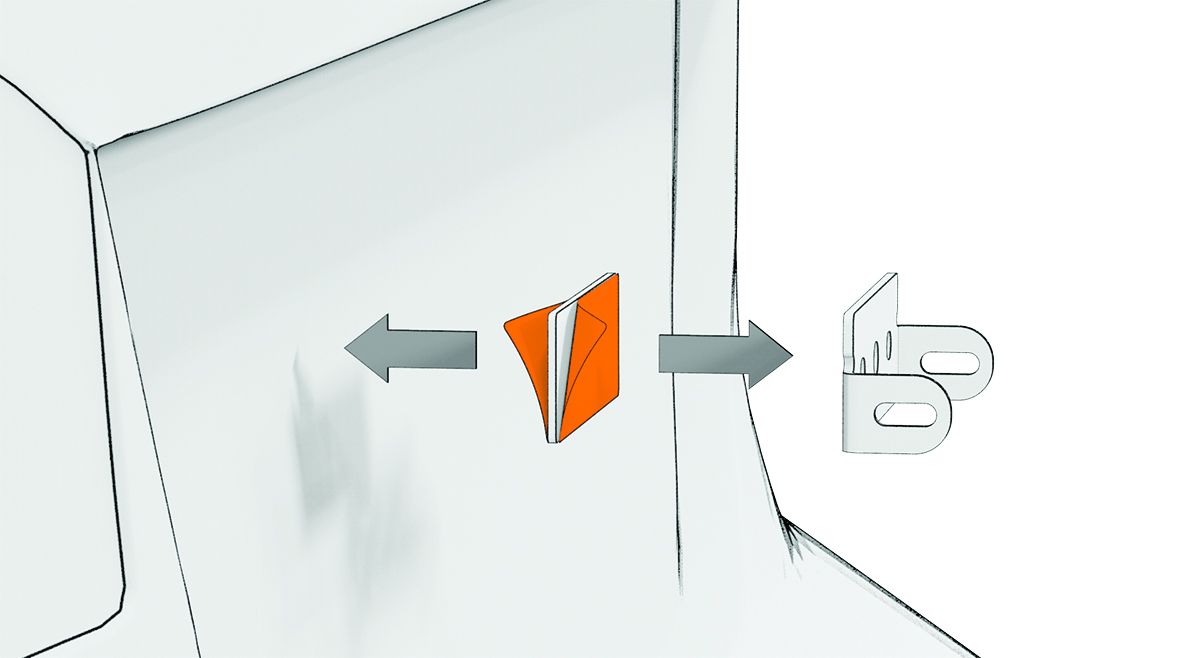
Installing the Adhesive Mount
The adhesive is intended for a long-term installation and can be difficult to remove. You should carefully consider the mounting location before you install the mount.
You should allow the mount to remain in place at room temperature for 24 hours before completing installation and using the device.
For the best results, the ambient temperature should be from 21° to 38°C (from 70° to 100°F) while installing with adhesive. The adhesive may not bond correctly if the temperature is outside this range.
Before you install the mount with adhesive, ensure the surface area is completely flat.
If screws cannot be used for installation, you can install the Garmin Catalyst™ R1 racing radar system using the included adhesive strip.
-
Remove the protective film from the other side of the adhesive strip, press the mount into place on the vehicle, and hold the mount for 30 seconds to ensure proper adhesion.