Using the Stopwatch
-
Press
 to start the timer.
-
Press
 to restart the lap timer .
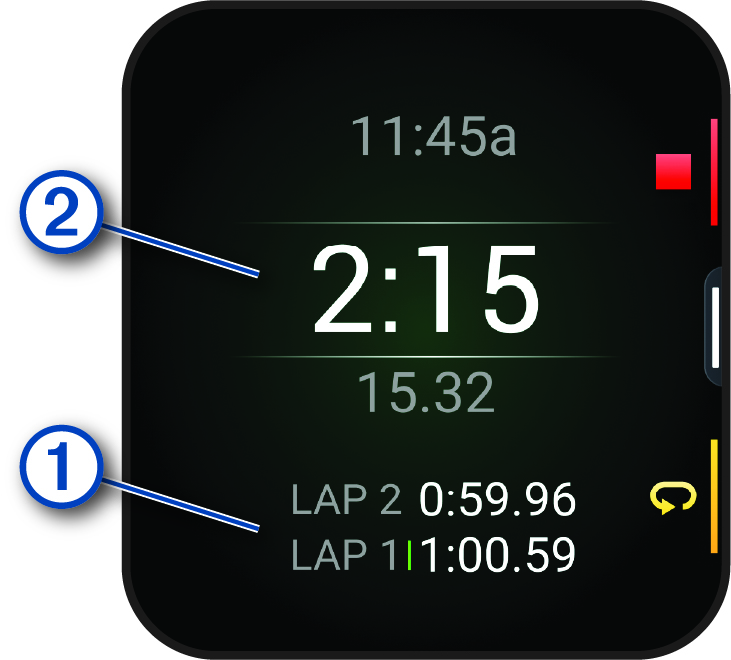
The total stopwatch time continues running.
-
Press
to stop both timers.
-
Select an option:
-
To reset both timers, select
 .
.
-
To save the stopwatch time as an activity, swipe left, and select Save Activity.
-
To enable or disable lap recording, swipe left, and select Lap Key.
-