Big Numbers Mode
You can change the size of the numbers on the hole information screen.
-
Select
.
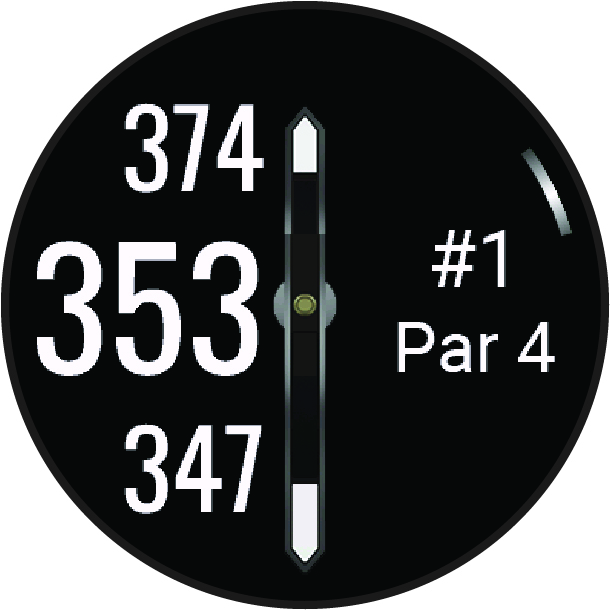
The distances to the front, middle, and back of the green appear in large font on the hole information screen.
You can change the size of the numbers on the hole information screen.
The distances to the front, middle, and back of the green appear in large font on the hole information screen.