Viewing a Previous Location
The visual recall feature allows the rangefinder to guide your view back to a previously-ranged location in the environment.
NOTE:
Recent ranges are automatically stored for a limited time, even if you do not manually save
them.
-
From the home screen, press
 .
.
-
Follow the on-screen instructions to face in the direction of the ranged location.
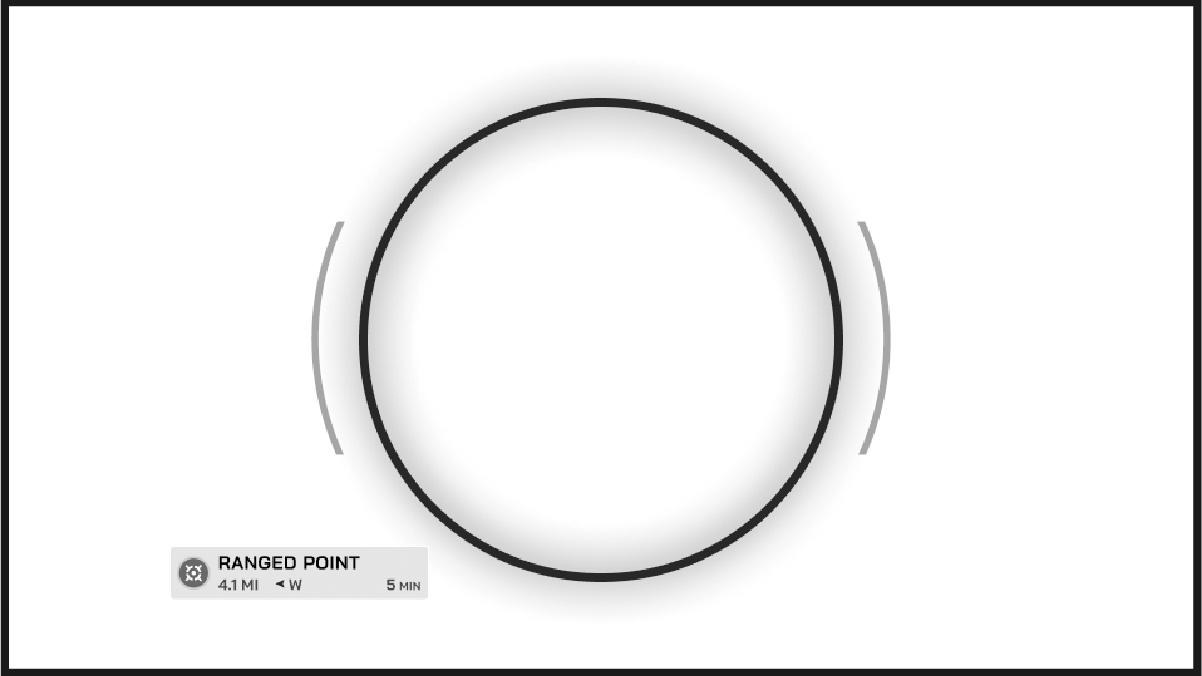
A large circle appears on the display when the rangefinder is aligned with the ranged location.