Device Overview
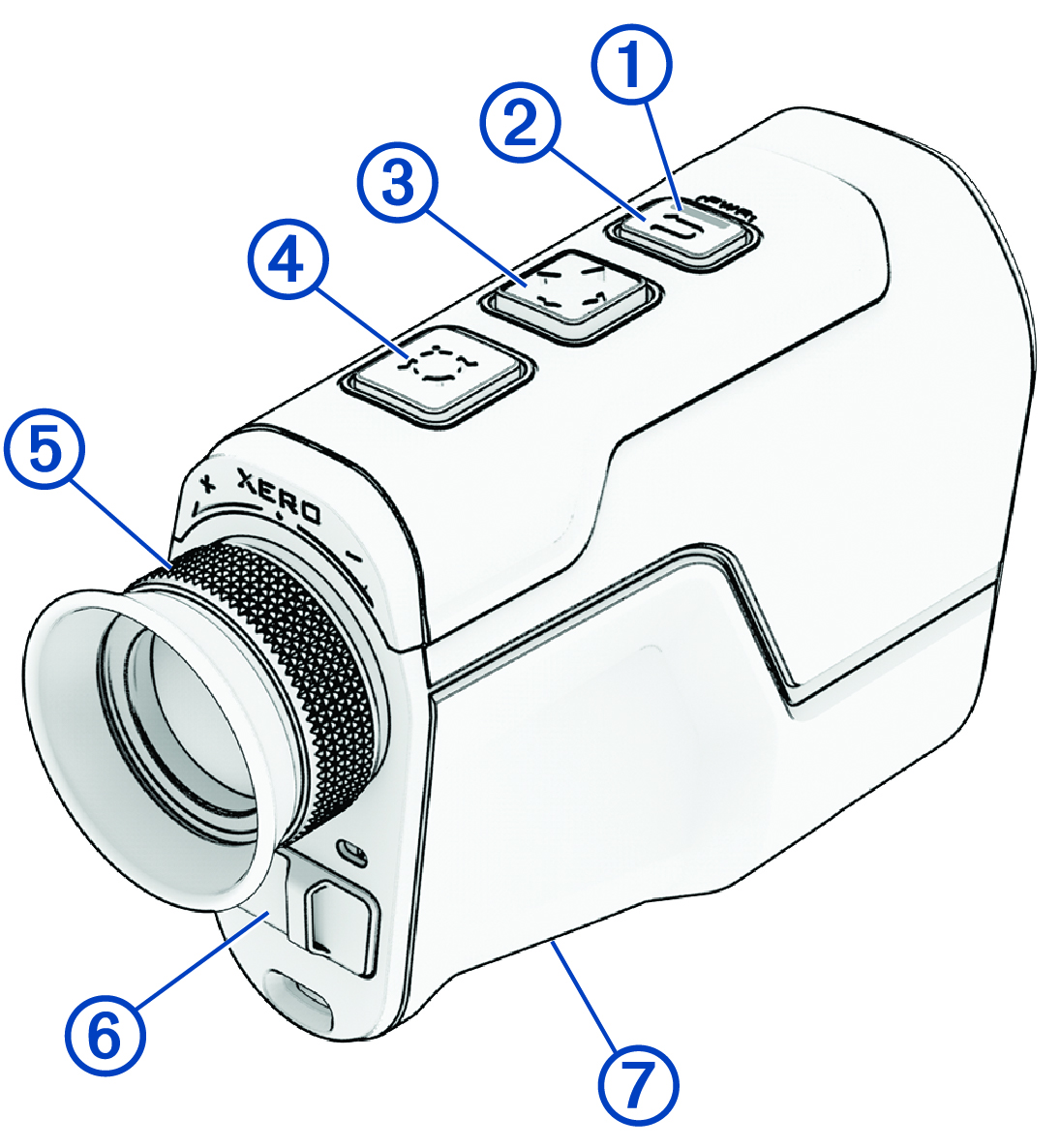
|
Status LED |
View device status. |
|---|---|
|
|
Hold to turn the rangefinder on or off. Press to return to the previous screen. |
|
|
Press to scroll through menu options. |
|
|
Press to range with the laser. Hold to scan with the laser. Press to select menu options. |
|
Adjustable diopter |
Rotate the eyepiece to focus the image in the display. |
|
Weather cap USB-C® power and data port (under weather cap) |
Pull up to access the USB-C power and data port. Connect a compatible USB cable to transfer data using your computer. |
|
Device label |
View manufacturer's identification and certification.  |


